


Just a heads up, if you buy something through our links, we may get a small share of the sale. It’s one of the ways we keep the lights on here. Click here for more.
If there’s one thing we can all agree on, it’s that two-factor authentication is a necessary evil. Every login feels like a scavenger hunt: find the code, type it before time runs out, pray you don’t fat-finger it.
We’ve all been there—switching between tabs, apps, and devices like some demented juggler, all for a six-digit code that expires before you can even type it in. It’s exhausting, and frankly, it shouldn’t be this hard.
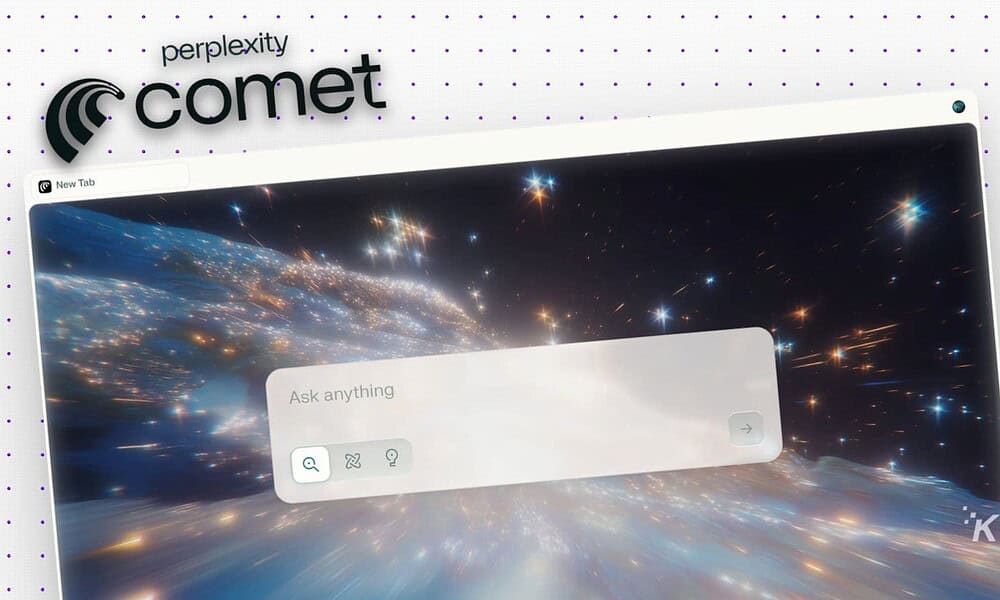
Well, this is the problem that Perplexity’s Comet Browser is trying to solve.
According to official documentation, this AI-powered browser can “fill out forms, navigate webpages, and engage with web content,” a promise tech companies have dangled for years.
So, I put it to the test and had Comet log me into a few services that I use daily.
We’re talking things like my Google account, Beehiiv (where we publish the Weekly Download newsletter, which you should definitely subscribe to), my bank, and my Setapp account which had expired and desparately needed to renew.
Comet requests keychain access for secure autofill and password storage, putting it in the same category as browsers that automatically handle passwords and verification codes.
But here’s the key detail: As Perplexity’s Comet Quick Start Guide makes clear, there’s no explicit confirmation yet that Comet seamlessly and automatically pastes your SMS or email verification codes with zero clicks the way Safari or iOS Messages do.
What Comet does promise is smarter automation for login flows and form fills, which should take the edge off most 2FA headaches.
My Real-World Test Drive
I’ve tested Comet’s 2FA-handling capabilities with Google, my bank, and several other popular services.
In practice, Comet’s automation handled most login and 2FA flows smoothly, with only the occasional hiccup. Still, I can’t guarantee flawless results across every site, so your experience might differ.
Early users and reviewers report that Comet’s “autonomous navigation” can log you in and fill web forms across most sites, though, as always, it’s wise to stay alert for security news and privacy audits as this tech evolves.
So yes, Comet could finally make two-factor authentication less painful. Maybe not today, maybe not tomorrow, but soon you might actually log without wanting to throw your phone across the room.
How to Use Comet for Automated Logins
Ready to let Comet handle your verification code login headaches? Here’s how to do it:
- Log-in
Navigate to your login page in Comet Browser.
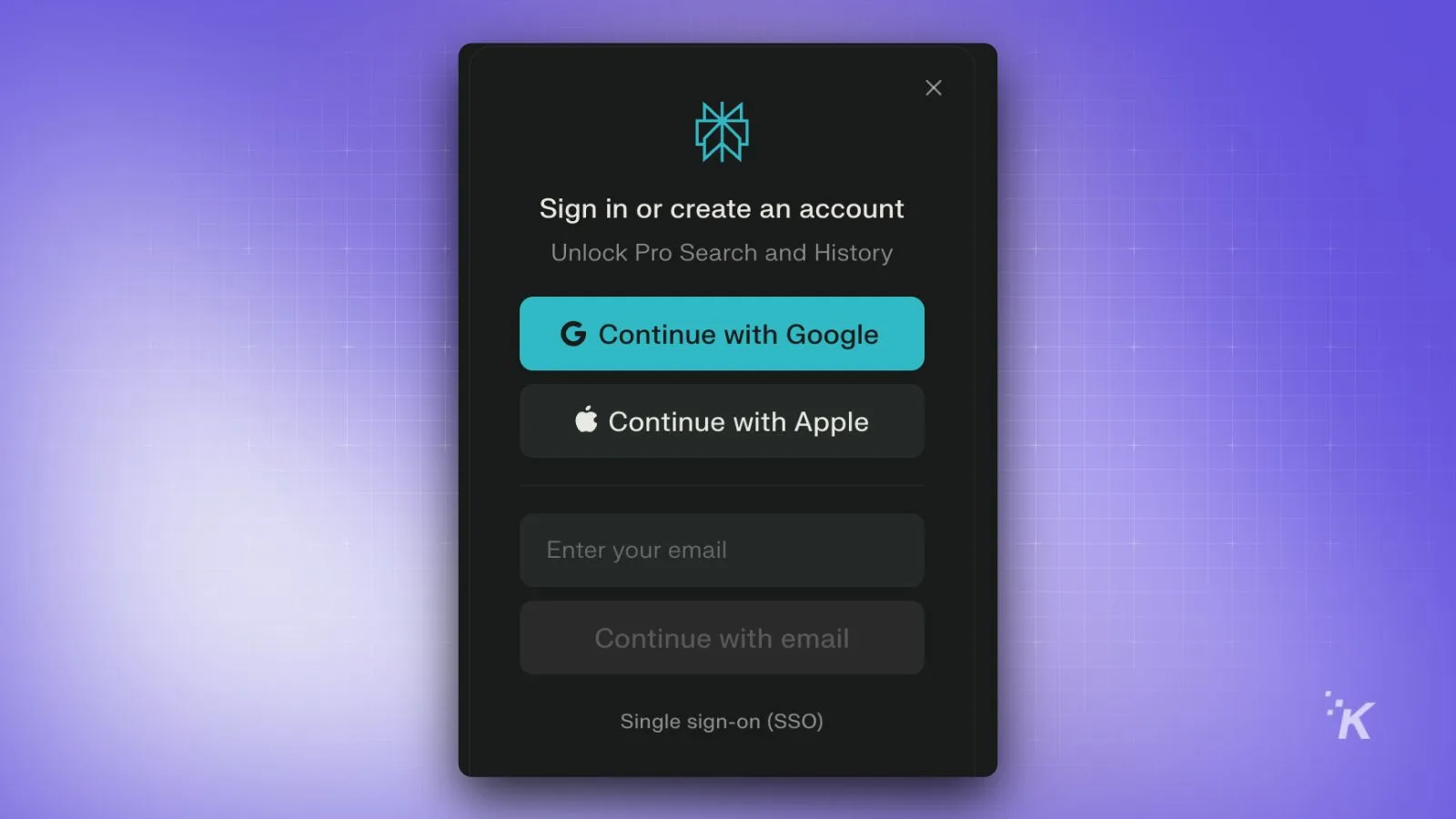
- Navigate to your login page in Comet Browser.
“Log me into my Google account”
“Sign into my banking portal”
“Enter my credentials for [Service Name]”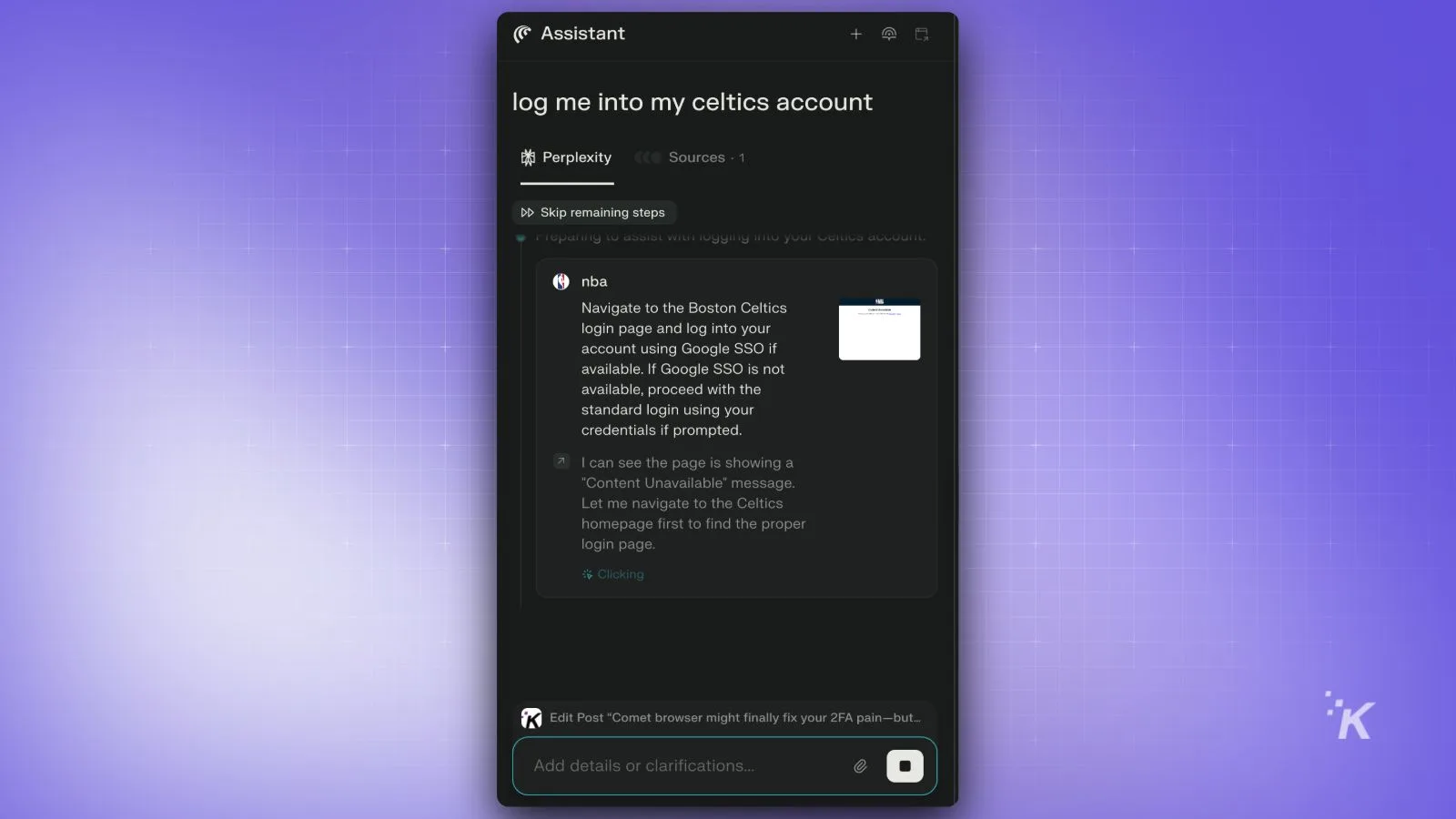
- Handle verification codes when prompted:
If Comet needs a 2FA code, direct it:
“Check my Gmail for the verification code”
“Get the SMS code and paste it” - Review and confirm any autofilled information before Comet submits.
Double check Comet’s work and reasoning before you hit submit and if everything looks right, proceed forward with the login.
According to the Comet Quick Start Guide, Comet typically handles standard username/password fields and can often manage 2FA codes for major providers.
If it gets stuck, you can always paste the code manually. For more details, check the official documentation and help center.
Comet Browser For The Win
Again, your mileage may vary, but for the most part, it handles these tasks like a champ. In fact, it works so well, that I have completely ditched Google Chrome and made Comet my default browser. Yea, it’s that good.
The verdict?
Comet won’t make 2FA fun—nothing could—but it’ll make it suck less, and that’s honestly all we can ask for. Security matters, but so does not wanting to chuck your phone into the nearest wall every time you need to log in. If that sounds like an upgrade, you know what to do.
Follow us on Flipboard, Google News, or Apple News


