


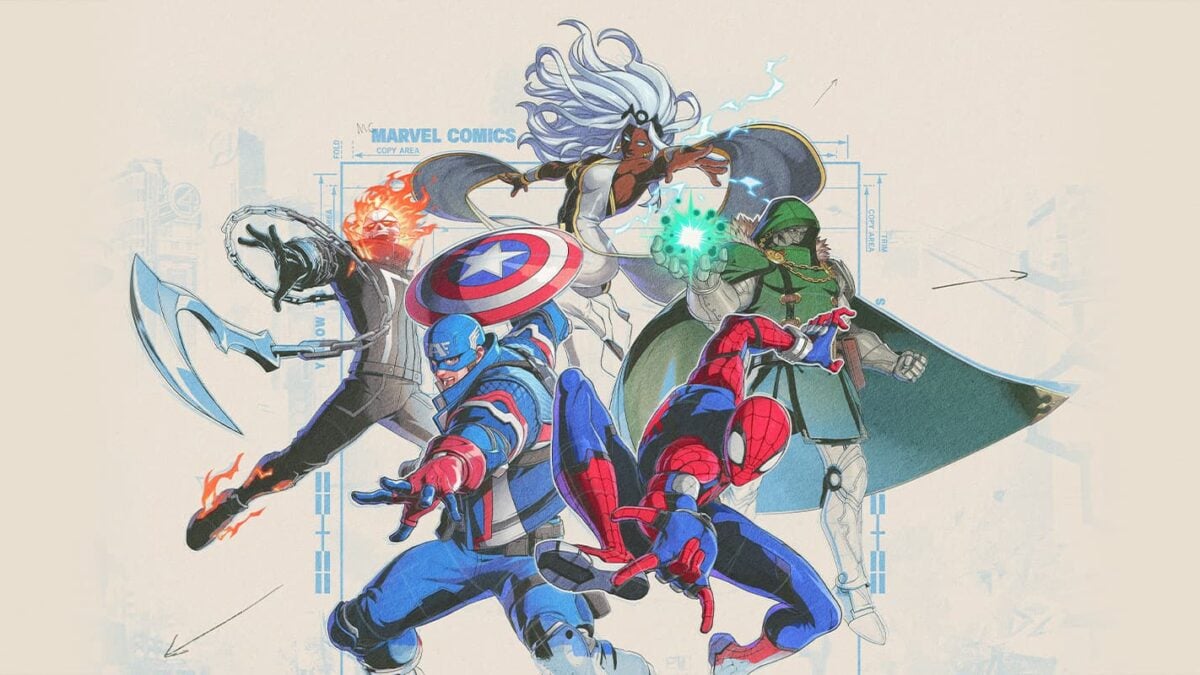
Marvel Tōkon: Fighting Souls is out today, and if you’re not already playing the game, it might be because you’re encountering an odd looping error when trying to boot it up. I was worried when I was installing the game because a few friends of mine were saying that after they chose their language in the game’s boot menu, the game repeatedly crashed and kicked them back to the main menu. If you’re experiencing this, you’re not alone, but there is a workaround.
Arc System Works put out a statement on the game’s official Discord telling players how they can circumvent the issue, and it seems the best way to do that is not to go by when the PlayStation 5 notifies you that the game is “Ready to Play,” but instead to wait and make sure the game is fully installed before you jump in.
We’ve received reports of an issue where, after selecting a language, the game can become stuck in a loop and is unable to continue.
We’re currently investigating the problem.
In the meantime, some members of the community have reported that they were able to get past the issue by trying again after the download has fully reached 100%. Please note that this is a community-reported workaround, not an officially verified solution, so results may vary.
If you’re experiencing this issue, you’re welcome to give this workaround a try while we continue investigating. We’ll share an update as soon as we have more information or an official fix.
Thank you for your patience and for continuing to report your findings, it helps us investigate the issue more quickly.
Hopefully that works for you, but if it doesn’t, Arc System Works is hopefully going to have a proper fix up before day’s end. Would be a real bummer to have an issue like this continue to impact launch day. I’ll see y’all in the lobby. Look for the Star-Lord one-trick.
