



Launchpad had been a part of the Mac operating system since OS X Lion, which was released in 2011. After 14 years, Launchpad is now retired, replaced by Apps in macOS Tahoe.
Apps functions a lot like Launchpad as a way to essentially access your Applications folder, but it has a new look and doesn’t allow for any customization. You can view your apps either by Category or by Name, and then display the apps either as Icons or in a List. That’s it. A list of Suggestions at the top is based on your recent activity.
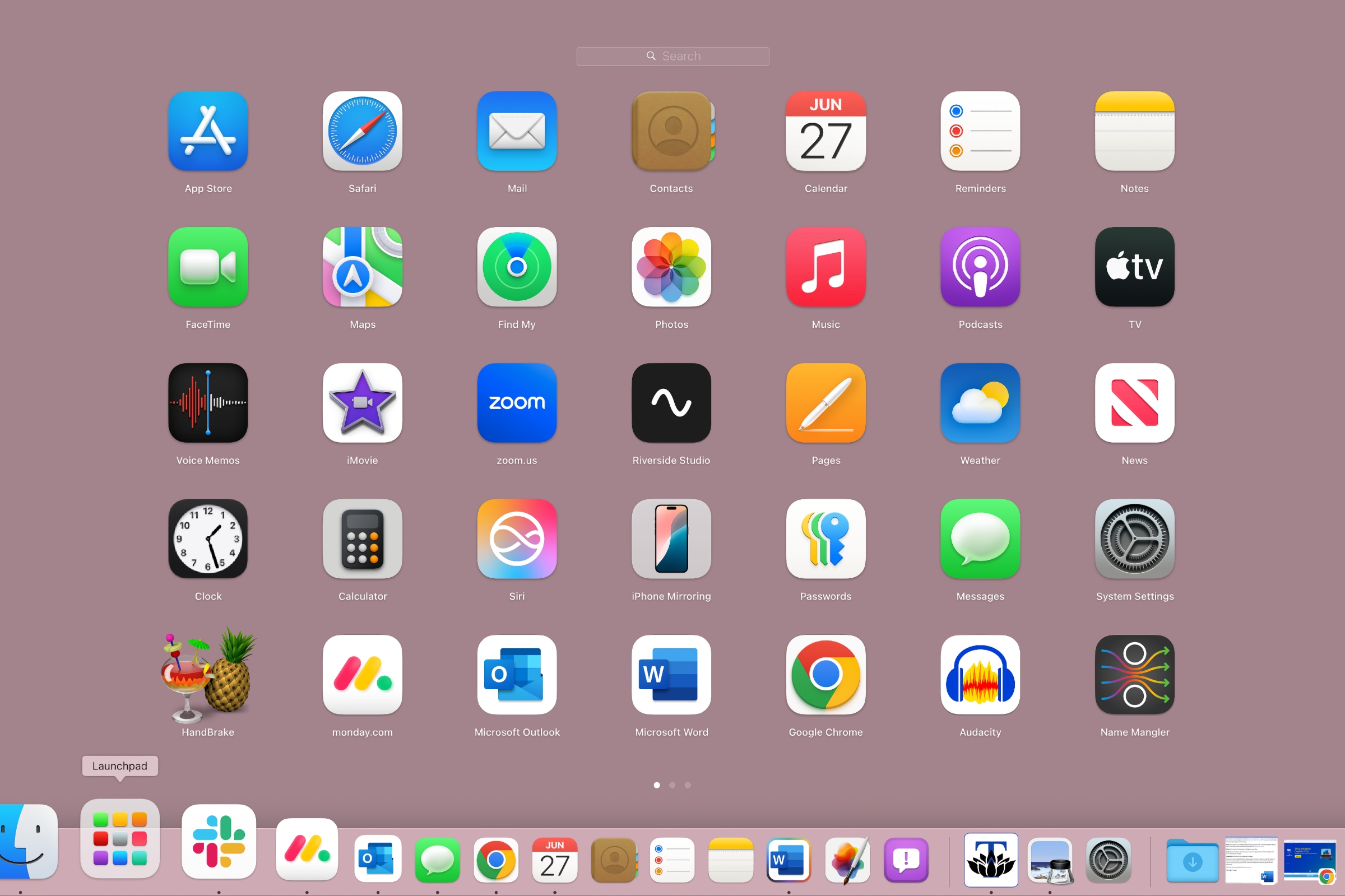
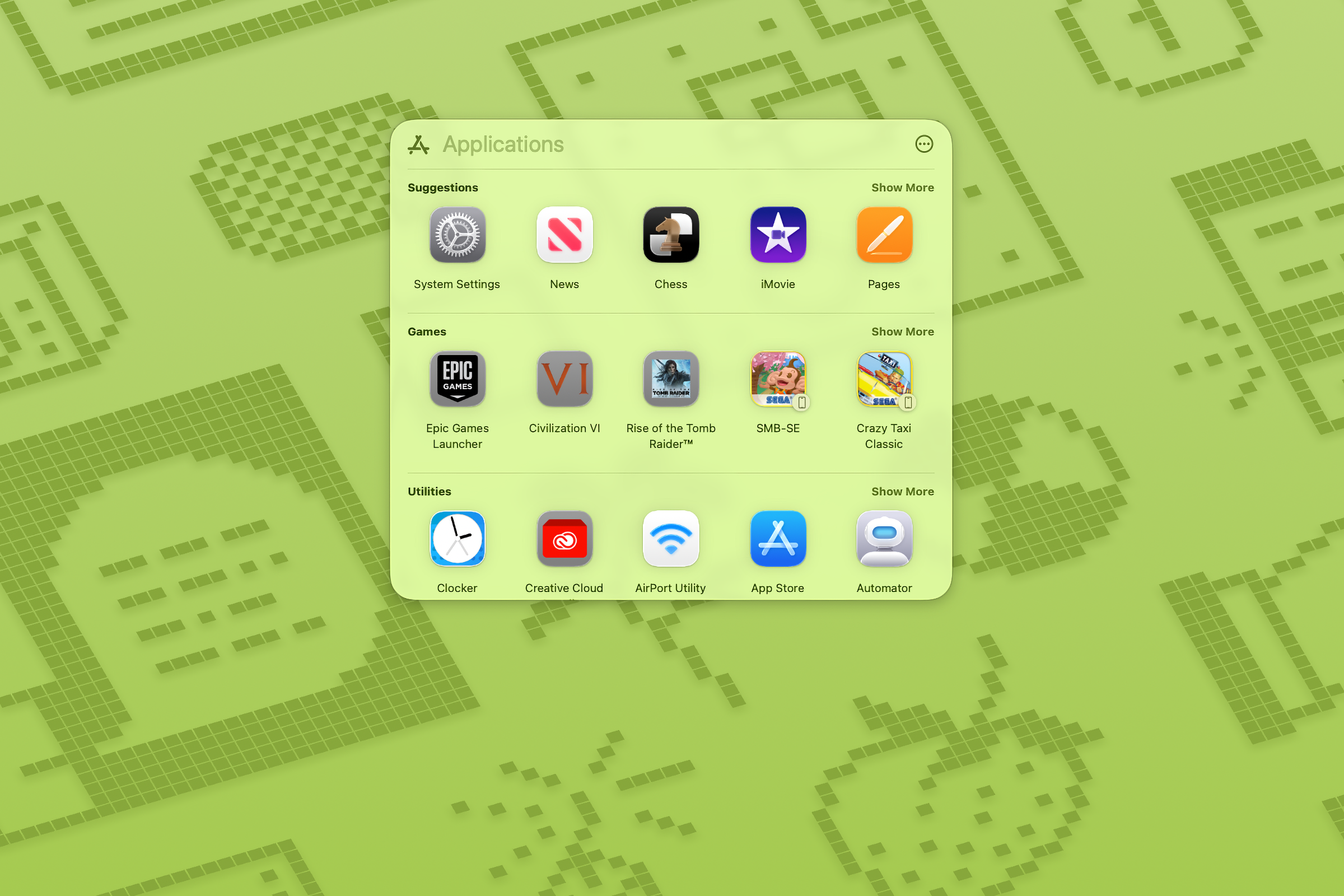
Launchpad was one of Apple’s first attempts to unify UI elements between the Mac and iPhone operating systems. Launchpad basically brought the iPhone Home screen to the Mac–they worked in the same way. With Launchpad, you could customize different pages filled with apps, such as a page dedicated to video editing tools or games. You can also create folders of apps that are displayed on a Launchpad page. You can’t do any of that in Tahoe’s Apps.
When you launch macOS Tahoe, you’ll find the Apps icon sitting in the Dock where Launchpad used to be. Because of the way Apps displays your apps, however, you might find it more difficult to get to the app you want. You may need to do some scrolling to get to the proper category, and you may need to click Show More if your app doesn’t appear. You’re better off typing the name of the app into the search bar at the top of the Apps window.
Of course, you can still open the Applications folder in the Finder in Tahoe. When in the Finder, you can navigate to the Applications folder or press Shift+Command+A, or launch apps via Spotlight.
Launchpad still exists in the Tahoe pre-release beta, but only in spirit. If you do a search (Command+F; it won’t work with Spotlight/Command+spacebar) on “Launchpad,” a Launchpad icon appears as a result. You can click to open it, but Apps launches instead. You can Control+click and select Show in Enclosing Folder, and it will appear dimmed in the Applications folder–if you open the Applications folder in any other instance, you won’t see it. This phantom Launchpad may be an alias in place to maintain the integrity of scripts and other items that refer to Launchpad.
In the official release of Tahoe, no signs of Launchpad exist, at least at the user level. The phantom Launchpad that was in the beta can no longer be found. It’s gone, folks. With the Tahoe beta, you were able to fiddle with Terminal commands to bring back Launchpad, but this Terminal trick no longer works in the official Tahoe release. In fact, if you try the Terminal trick, you end you disabling Spotlight and Apps completely. Fortunately, you can restore them. Here’s how.
