


AIThis post was created with the assistance of artificial intelligence (AI).
To set up a household password manager, choose a reputable app with features like multi-device sync and password sharing. Install it on all your household devices—laptops, smartphones, tablets—and create a strong, unique master password. Import existing passwords and generate new ones for important accounts. Enable two-factor authentication for added security. Regularly update passwords and keep everyone’s access synchronized. If you keep exploring, you’ll find simple steps to make your household’s security even stronger.
Key Takeaways
- Choose a reputable password manager supporting multi-device sync and secure sharing features for household use.
- Install and set up the app on all household devices, importing existing passwords and creating a strong master password.
- Enable two-factor authentication and educate household members to keep the master password confidential.
- Add and generate unique passwords for each account, regularly updating sensitive passwords for enhanced security.
- Promote best practices, keep devices synchronized, and conduct periodic password updates to maintain household security.

Have you ever struggled to remember all your passwords? If so, setting up a password manager can be a game-changer for your household. It helps you store and organize every password securely, so you don’t have to keep track of multiple, complex combinations. To get started, choose a reputable password manager that offers features like password sharing and multi-device synchronization. These features make it easier for everyone in your household to access their accounts seamlessly, no matter what device they’re using.
Once you’ve picked the right password manager, the next step is to create a strong master password. This is the key to all your stored passwords, so it needs to be unique, long, and difficult to guess. Avoid common words or easily guessable details. After setting up your master password, install the password manager app on all devices used by household members—laptops, smartphones, tablets. Many password managers support multi device synchronization, so your passwords stay updated across all platforms automatically. This way, whether someone logs in from their phone or desktop, they’ll always have access to the latest credentials.
Create a strong, unique master password and install the app on all household devices for seamless synchronization.
Next, start adding your existing passwords to the manager. Many tools can import passwords directly from browsers or other password storage solutions, saving you time. For new accounts, create strong, unique passwords generated directly within the app. Encourage your household members to do the same—using unique passwords for each account considerably improves your overall security. Many password managers also support password sharing, which allows you to grant access to certain accounts without revealing the actual password. This feature is particularly useful for shared subscriptions or family accounts, as it simplifies access management while maintaining security.
Additionally, understanding the importance of encryption and how it protects your data can help you make informed decisions about your password security. Recognizing the significance of spirituality and success can reinforce your motivation to stay committed to your security habits. As you set everything up, make sure to enable two-factor authentication (2FA) for added security. This extra layer makes it harder for unauthorized users to access your password vault. If you’re sharing passwords with family members, teach them the importance of keeping their master password confidential and remind everyone to update passwords regularly. Incorporating best practices in password security can further enhance your household’s overall protection. Regularly updating passwords is essential; security awareness can help keep everyone vigilant. Remember that regular updates to passwords are essential, especially for sensitive accounts, to maintain optimal security. Also, establish a process for updating shared passwords periodically, especially for sensitive accounts.
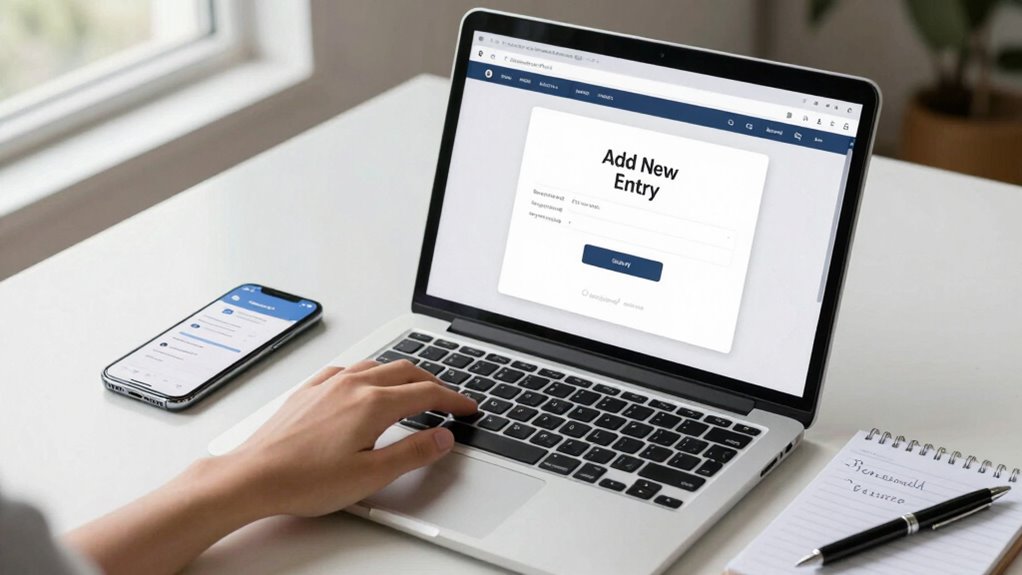
household password manager app
As an affiliate, we earn on qualifying purchases.
As an affiliate, we earn on qualifying purchases.
Frequently Asked Questions
Can Multiple Users Access the Same Password Manager?
Yes, multiple users can access the same password manager. You can set up user access with shared credentials, allowing everyone in your household to securely view and manage passwords. Most password managers offer features like individual logins or shared vaults, giving you control over who can see certain credentials. This setup makes it easy for everyone to access necessary accounts while keeping sensitive information protected.
Is It Safe to Store Passwords Online?
Storing passwords online is like locking valuables in a safe—it’s generally safe if you choose a reliable provider. Look for encryption protocols that protect your data and guarantee secure data synchronization across devices. Reputable password managers use strong encryption, making it difficult for hackers to access your information. While no method is entirely foolproof, online storage with proper security measures offers a safe, convenient way to manage your passwords.
How Do I Transfer Passwords From My Browser?
To transfer passwords from your browser, start by exporting your saved passwords, usually found in the browser’s settings under password management. Then, import this file into your password manager, ensuring it supports browser integration. Be cautious with password sharing, and make sure your new manager encrypts your data. This process helps keep your passwords organized and secure while smoothly switching from browser storage to a dedicated password manager.
What Should I Do if I Forget My Master Password?
If you forget your master password, don’t panic. Focus on master password recovery options offered by your password manager, like account recovery or security questions. Use your security backup strategies—such as a recovery key or backup email—to regain access. Remember, regularly updating and securely storing your recovery info guarantees you won’t be locked out. Stay proactive with security backup strategies to protect your digital life and regain access smoothly.
Can a Password Manager Work Offline?
Yes, a password manager can work offline, allowing you to access stored passwords without internet. This enhances offline security since your data isn’t exposed online. However, keep in mind that some features, like data synchronization across devices, require an internet connection. When offline, you can still securely manage and retrieve passwords, but for seamless updates and backups, connecting online is helpful. Just make certain your local data remains protected.
Conclusion
Now, imagine your household’s digital doors all secured behind a single, sturdy lock—you, the keyholder. With your password manager in place, you hold the master key, effortlessly opening each door with confidence. As you walk through your digital home, know that each password is a secret guard, keeping intruders out. Your information stays safe, and your peace of mind remains intact—because a well-set password manager isn’t just security; it’s your digital sanctuary.
