



Google announced Googlebook this morning, the successor to Chromebook devices. Built with Gemini at its core, as well as support for Android apps from Google Play, Google says this was its opportunity to, “rethink laptops again.”
With partners such as ASUS, Dell, HP, and Lenovo already lined up, Googlebooks are built on Android, designed to “work seamlessly” with the Android devices in your life. The information we’re getting is merely a teaser for what’s to come later this year, so expect full software and hardware details when we’re closer to a physical launch.
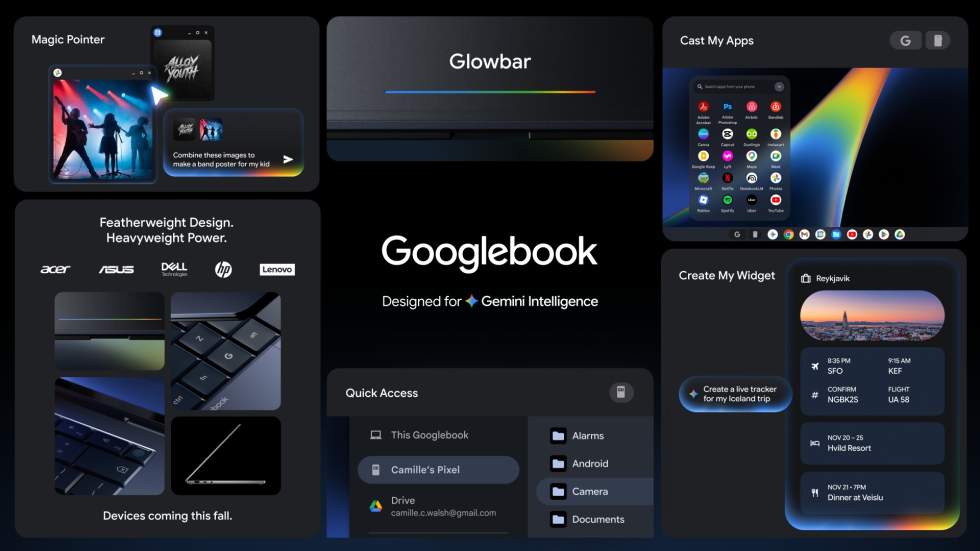
Googlebook will have all sorts of new features, such as a Create My Widget feature that lets you create custom widgets just by prompting, as well as a Gemini-powered Magic Pointer built into the mouse cursor. Built with the Google Deepmind team, you can simply wiggle your cursor and Gemini will offer quick, contextual suggestions to whatever you’re pointing at.
Point at a date in an email to set up a meeting, or select two images — like your living room and a new couch — to instantly visualize them together. It lets you go from idea to I’m done in just a few clicks.
Optimized for Android
Googlebooks can run your Android phone apps all on its own, even without having to download anything. In their words, “It just works.” They give an example of a user in the zone on the laptop, but then hunger strikes. You can tap on a phone app via the laptop, order food, and then get back to your work, all without having to leave the laptop.
“Or if you get a reminder for your daily Duolingo language lesson, you can pop over and finish it without ever leaving your screen. No downloading, no awkward emulated touchscreen controls; it just works,” Google writes in its blog post.
Accessing files on your Android phone should also be extremely pain free. With Quick Access, you can view, search, or insert your phone’s files directly onto the laptop — no transfers needed.
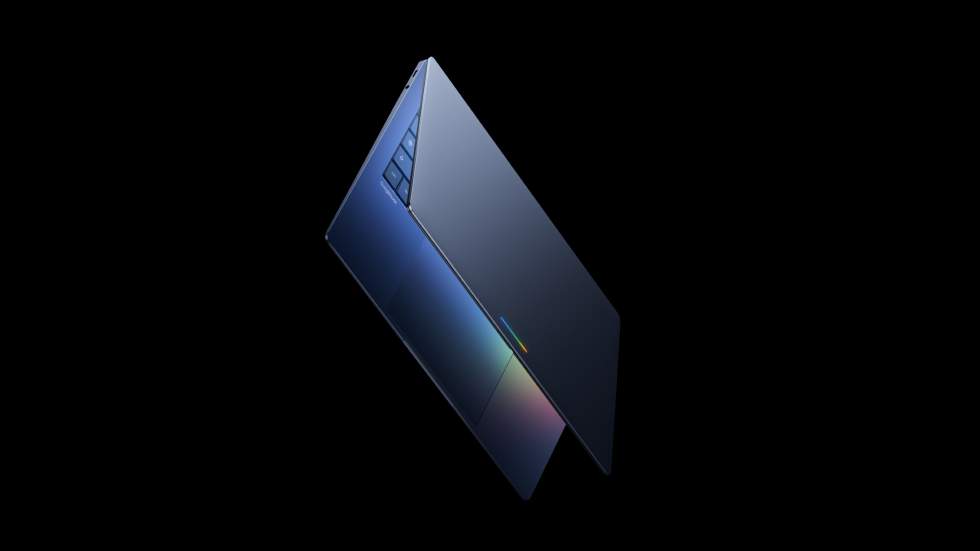
Google says you’ll know hardware is a Googlebook by the unique glowbar built into it, a statement that is both, “functional and beautiful.”
Googlebook Release
We don’t yet have an official launch date for Googlebook hardware, but we expect to learn more about that at Google I/O this month.
What are you thinking? Do you like the sound of this?
