


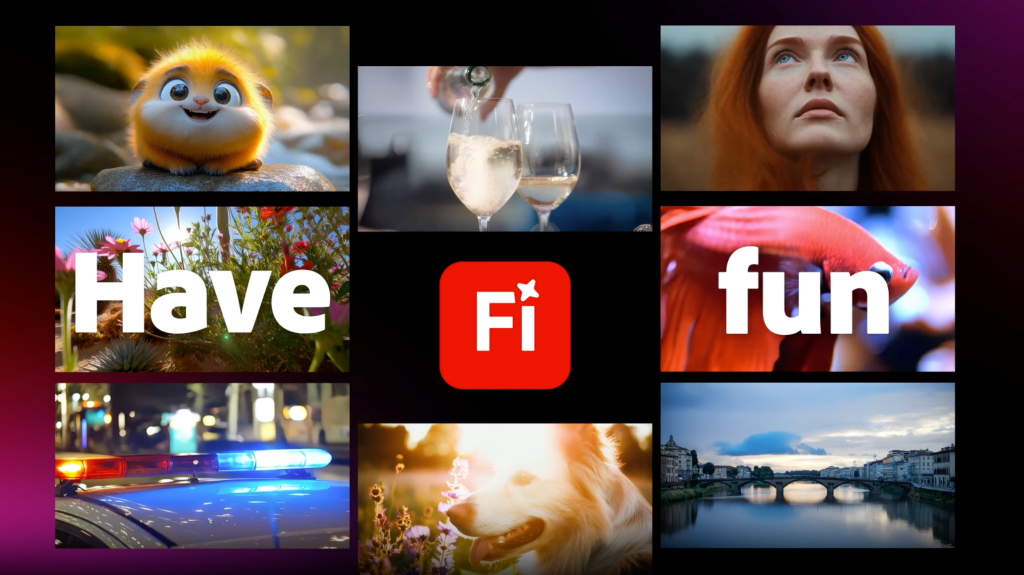
Whether you’re a small business trying to promote your services, a content creator looking to polish your latest YouTube post, or simply someone who wants to experiment with making cool home videos, using the right software is essential. If it’s too complex, then it can get in the way of your creativity. Alternatively, not having enough tools to fully realise your vision is a very frustrating experience.
Adobe understands this and provides a variety of solutions so you can get just what you need. Plus, the incorporation of the latest AI technology means you can easily do a lot more than you might have thought possible. So, which is the right package for you?
Adobe Firefly makes dreams a reality
Thanks to its powerful generative AI capabilities, Adobe Firefly is the perfect tool for creating short videos that can boost a presentation or social media post. Using ordinary language prompts or an existing image, you can quickly transform your ideas into professional-looking clips with just a few words. There’s even a built-in prompt enhancer to help produce the results you’re after with the minimum of fuss.

Adobe
You don’t need any pro video skills, as Adobe Firefly takes care of everything, but you do get a great level of creative control over aspects such as lighting, camera motion, animation timings, cinematic effects, and video style. There’s also the ability to instantly translate the audio or text in the video to another language and open up the global appeal of your content.
Adobe Firefly is one of the fastest ways to generate video ideas, making it perfect for B-roll, storyboards, or just to bring a bit of sparkle to your work. Videos run for 5 seconds, all in high-fidelity 1080p, are designed to be safe for commercial use and can be downloaded as MP4 files that are easy to share or import to other software.
Adobe Express brings AI power to your existing videos
If you already have video you’ve shot, then Adobe Express is a great platform on which to assemble, polish and output your finished mini-masterpiece. That doesn’t mean it’s old-school though, as Adobe Express is enriched with AI-powered tools that make editing smarter, faster and more inventive.
At the heart of the software are one-click tools that streamline edits such as trimming, splitting, and adjusting the speed of footage. These are joined by the option to enhance speech, add captions automatically, or record vocals over the video – all directly within the app.
Clip Maker is an amazingly useful new tool that goes through an existing video and pulls out the key moments to create short-clips for sharing on social media. Something that would have taken hours before is now done in minutes.
Adobe
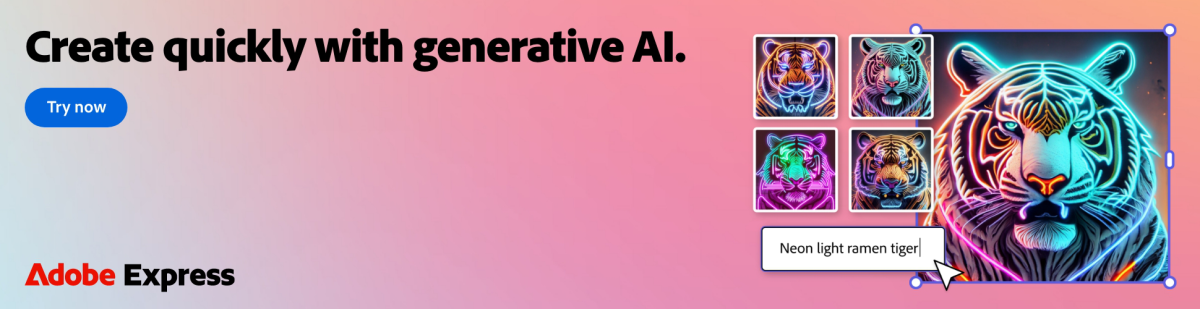
As Firefly is baked into Adobe Express, you can also use the generative AI capabilities to convert a static scene into animated video, again without the need for any expert skills.
When you’re done, there are templates available to format and post videos to social media platforms, with outputs available as GIFs or MP4.
Invent new worlds without astronomical prices
You might think that the vast array of creative and editing options on offer in Adobe Express and Adobe Firefly would make them out of reach for normal people, but that’s far from the truth.
Adobe Firefly has a free tier where you can experiment with its amazing capabilities, and if you want to create more videos then there’s the Standard plan that costs only $9.99/£9.98 p/m.
Adobe Express also has a free tier that includes many of the editing tools mentioned above, with a Premium plan that adds advanced features and generative AI capabilities for $9.99/£9.98p/m. If you’re still not sure, then there’s a 30-day free trial so you can get to grips with all it has to offer before you sign up to a subscription.
Video is the communication method of the modern internet, so make yours the best they can be, all without having to learn loads of editing commands or investing in expensive software. Let Adobe Firefly and Adobe Express take care of the hard work so you can concentrate on being creative.
