



If you’ve ever wanted to call in sick and let an AI take over on your next Zoom meeting — well, that future isn’t quite here yet. But Zoom is adding “photorealistic avatars” to Zoom Workplace in addition to smoother video and live voice translation.
That doesn’t mean you’ll be able to play hooky — although a version of you will appear on the screen, moving in time to your motions. This will make it appear as if you are present and engaged, even if you didn’t have time to make yourself presentable for the camera.
Unfortunately, the simple Zoom app that connected people during the epidemic has evolved into a full-fledged workspace like Microsoft Teams. It now includes multiple levels of AI (say hello to Zoomie!) with agentic services, whiteboards, chat, and more.
But the core experience, now known as Workplace, is also improving in measurable ways, the company said at its Zoomtopia developer conference. It didn’t provide examples of how each feature will work. However, company’s Workspace roadmap looks intriguing.
For years, users have been able to turn their cameras off, which doesn’t necessarily indicate that the user is paying attention. Its solution is a “photorealistic avatar” that will “track and mimic their live video feed,” described as a “lifelike AI-generated avatar.” Since that feature is scheduled to roll out in December, we won’t know whether that avatar is simply an animated photo of you or something different.
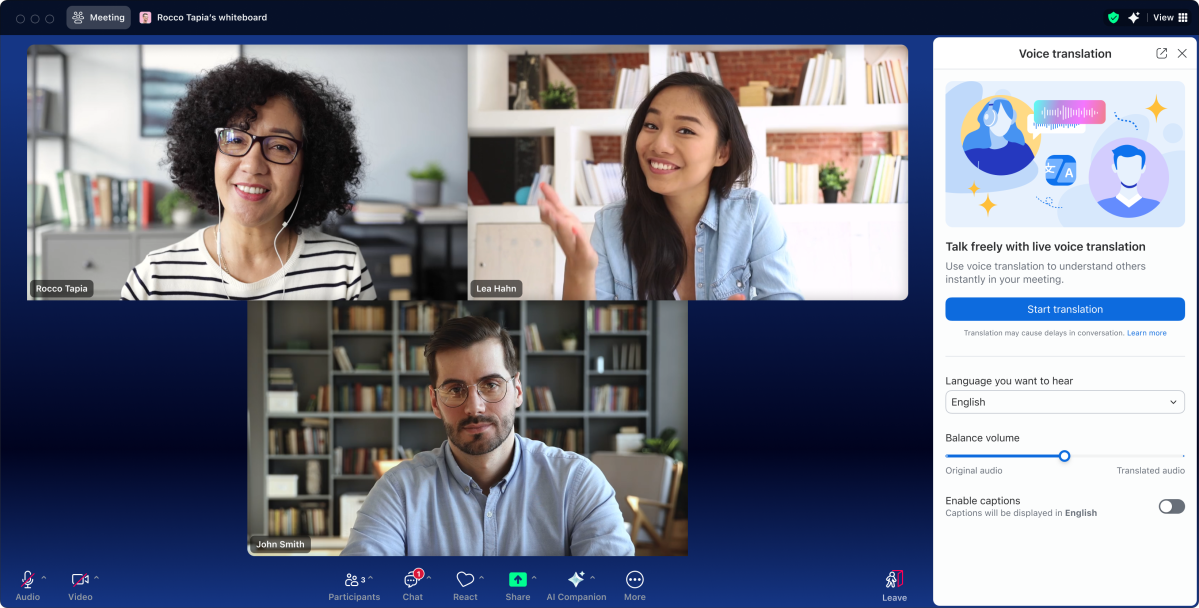
Zoom is also adding a feature that rivals are adding: real-time voice translations, which Microsoft has demonstrated (as announced for Microsoft Edge, and then later demonstrated) as has Google with real-time voice translations for Google Meet.
The problem here has been the difficulty in doing so. Microsoft’s demos have only been in English, Spanish, and Korean, while Google Meet has been limited to just Spanish. Zoom isn’t saying how many languages it’ll deliver, though the feature is expected to roll out in December.
Zoom
And yes, the basic Zoom Meetings app is getting an upgrade, too. One of the challenges in buying a top-notch webcam is that some of the basic 1080p webcams attached to a laptop don’t quite deliver the visual quality you’re used to seeing on YouTube. Zoom doesn’t support streaming in 1440p, let alone 4K, and it still won’t.
However, you’ll now be able to share content in 4K, and Zoom is upgrading its infrastructure to allow 1080p cameras at 60Hz. Most webcams stream at just 30Hz, which can look a little jittery; 60Hz is the refresh rate of TV and most streaming services, so using a 60Hz webcam will subconsciously deliver a “TV-like” experience. This, too, is expected in December.
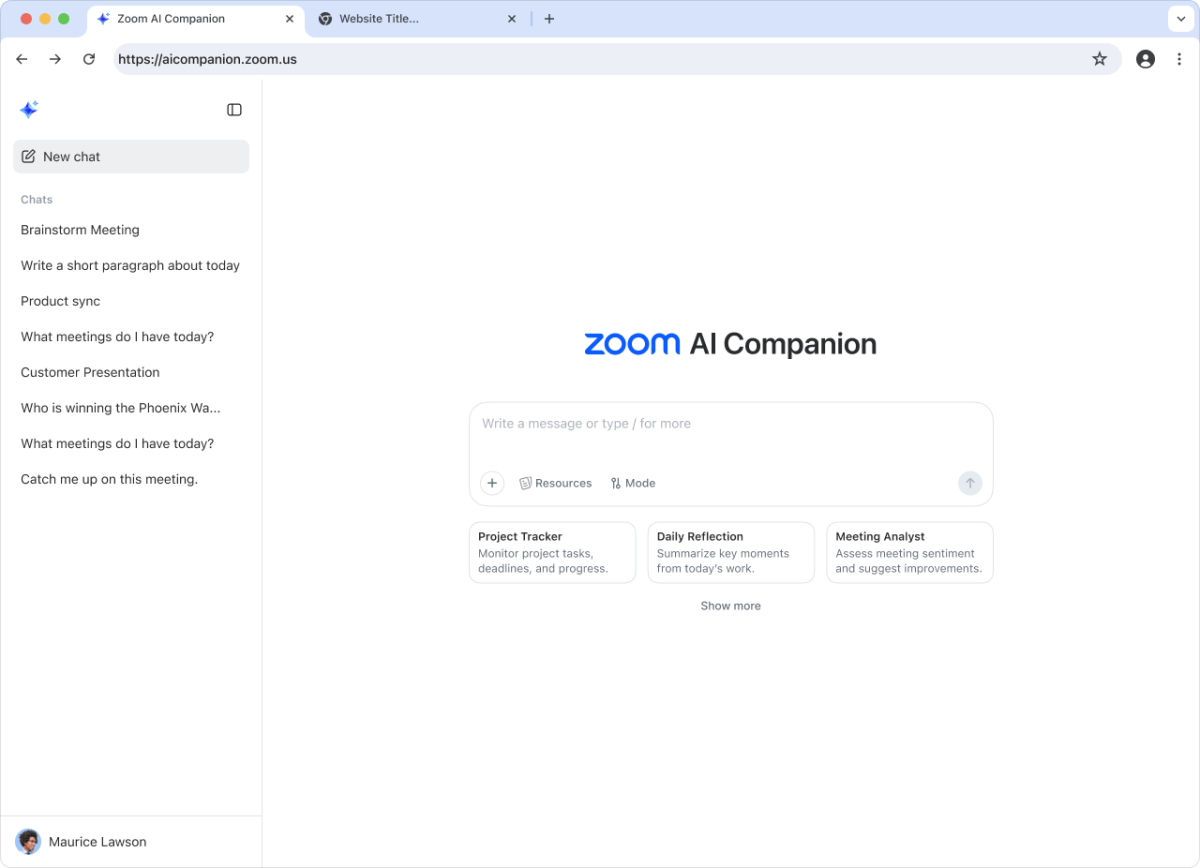
Zoom is also using AI to help users find and book meetings. A new “Zoomie” group assistant can be used to check into a room, check on action items or updates, and more. Zoomie appears to be one part of the AI Companion, which helps track down free meeting times by examining participants’ schedules and digs up relevant documents so you’re prepared. These features will be available in the coming months, Zoom said.
Zoom
One of the features some IT managers worry about is Zoom’s ability to “sit in” on a meeting and record and take notes. Zoom is branching out: soon users will be able to bring the AI Companion to Microsoft Teams and Google Meet later this month, with support for WebEx at a later date.
And, of course, there’s more traditional AI, too: this November, Zoom will add “writing assistance” that’s tuned to a user’s style, along with “deep research” that will be added the month before. All that will be enabled in a new work “surface” that Zoom will launch in November for the Web.
