








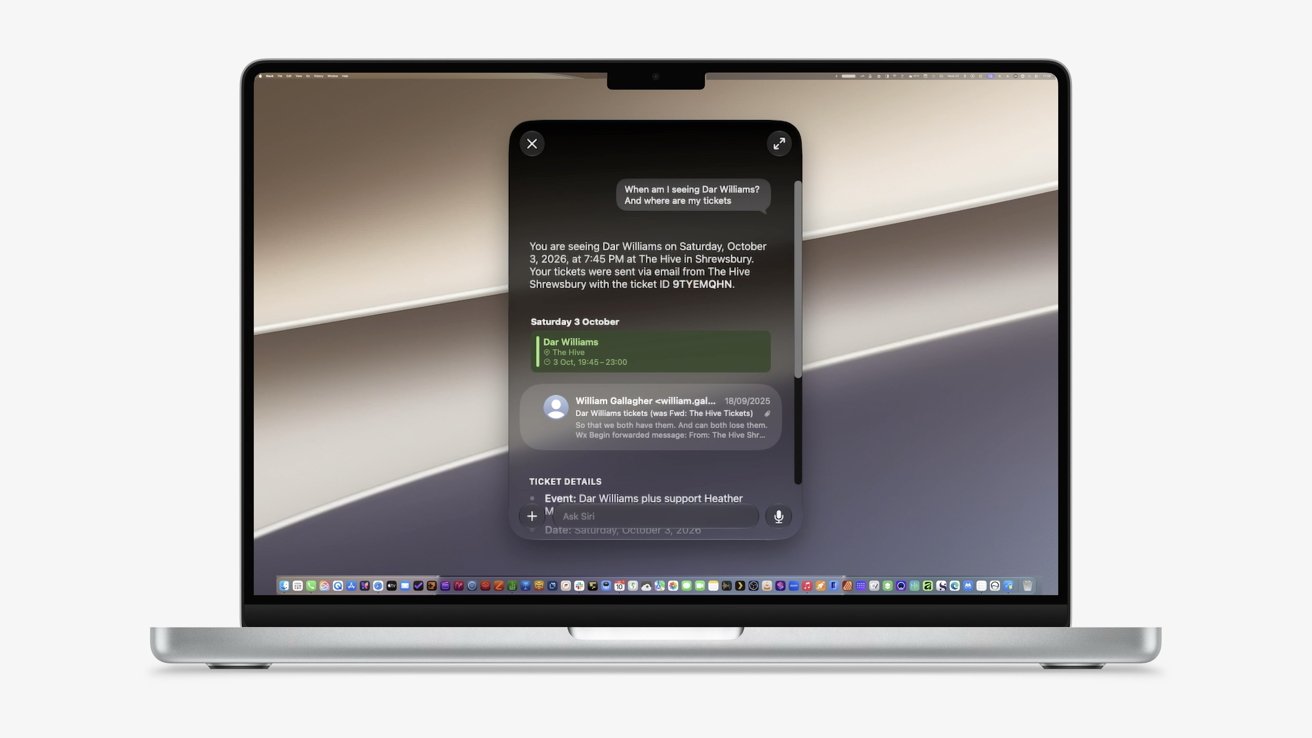
Mac users who want to leave the macOS Golden Gate beta must erase their startup disk and reinstall Tahoe, making a verified backup the most important step before they begin. Here’s how to downgrade safely.


Downgrading from macOS Golden Gate isn’t as simple as leaving Apple’s beta program. Turning off beta updates prevents later beta builds from installing, but it leaves the current operating system in place.
Returning to macOS Tahoe requires erasing the Mac’s startup volume, reinstalling Tahoe, and restoring your files afterward. The reinstall is usually the easy part because protecting files created while running the Golden Gate beta takes more planning.
Apple recommends restoring a Time Machine backup made before the beta was installed. A newer backup may contain app data, settings, and databases that Golden Gate changed in ways that Tahoe can’t fully understand.
Continue Reading on AppleInsider | Discuss on our Forums


