


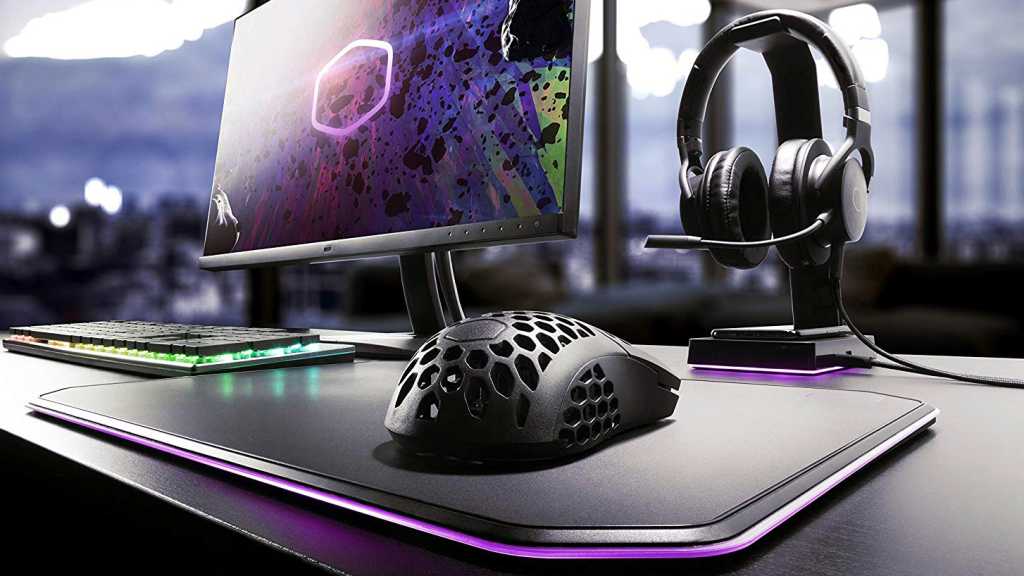
Gaming on a budget doesn’t have to mean compromising on quality. Whether you’re a casual player or a dedicated enthusiast, finding the right accessories can make the precious hours you get to spend in front of your computer that much better… without emptying your wallet.
We’ve dug around and found some of the best PC gaming accessories under $100. Not only will you get top-notch performance, but you’ll get great value too. Let’s dive into the gear that proves great gaming doesn’t have to come with a hefty price tag.
Upgrade your mouse: Razer Basilisk V3 X HyperSpeed
Razer
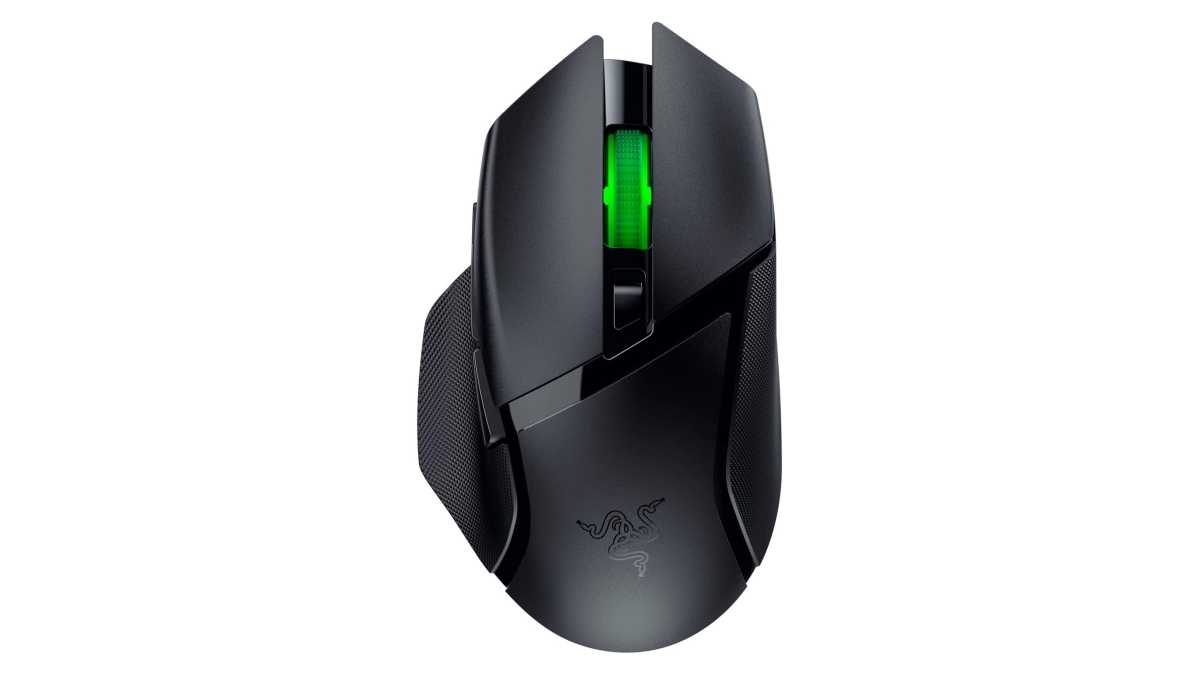
One of the main things you need for your gaming setup is a proper mouse. There are so many options out there, but we’re particularly in love with the Razer Basilisk V3 X HyperSpeed. With an 18K optical sensor, nine programmable keys, and Chroma RGB, this one’s speedy, versatile, and gorgeous. The Basilisk V3 is also a solid option with a 26K DPI optical sensor and 11 programmable buttons. If you’re into MMOs, then the Naga V2 HyperSpeed may be better with its 19 buttons and 30K sensor.
Elevate your laptop while expanding its ports: Mukiya USB-C Dock Stand
Mukiya
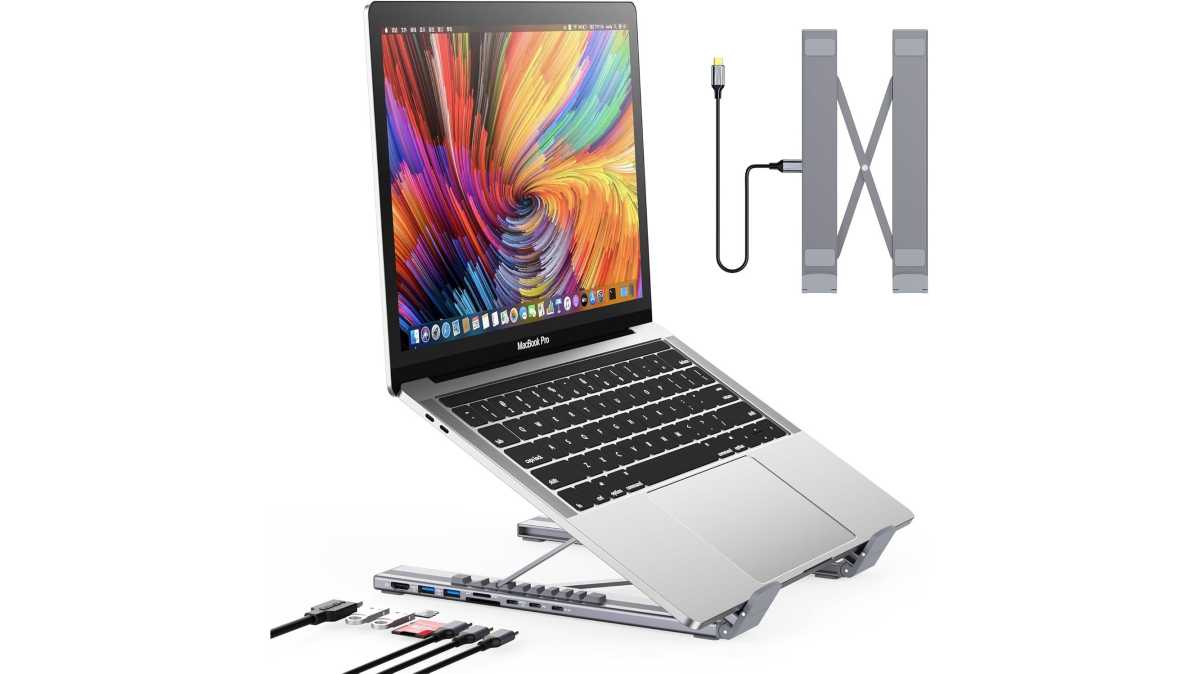
If you’re on a gaming laptop, then you’ll get a ton of mileage out of a USB-C laptop docking station stand like this one by Mukiya. Not only does it support nine different angles, but it also has an integrated dock with ports for 4K HDMI, two USB-A, one USB-C for data, one USB-C with 85W of passthrough charging, as well as SD and microSD card slots. It’s the ultimate accessory for a decked-out gaming laptop.
Add more screens and accessories to your laptop: Anker 14-in-1 Docking Station
Anker
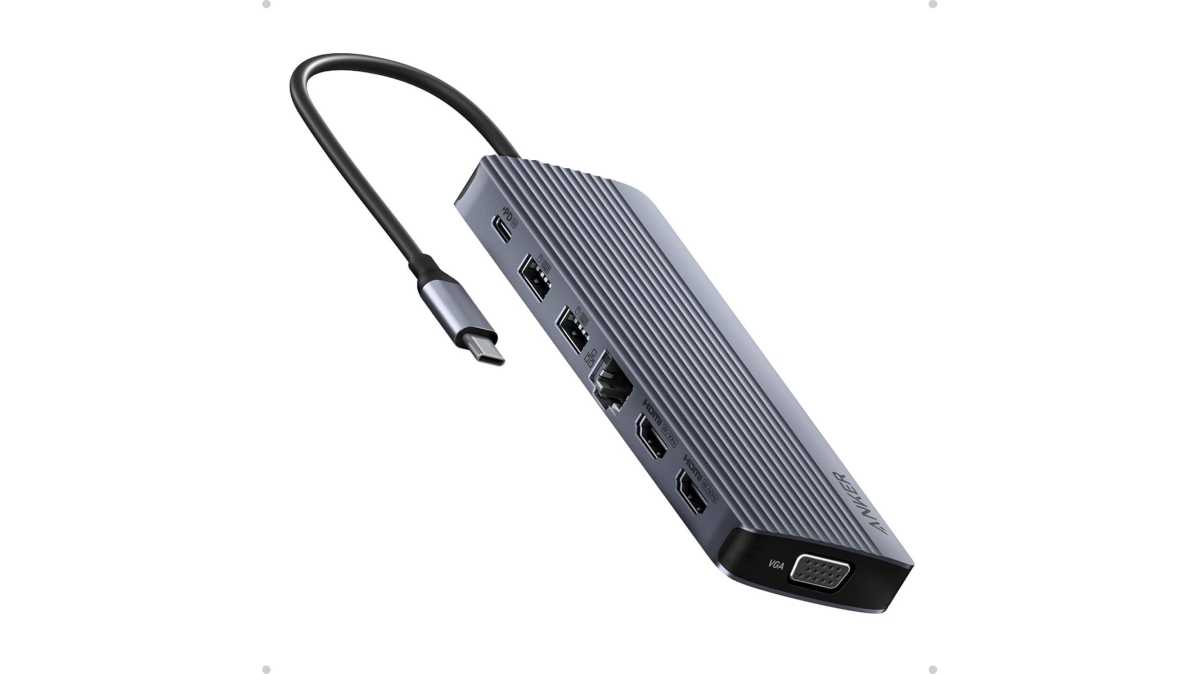
If you want an even more versatile docking station than the Mukiya above and you don’t need the laptop stand feature, then this Anker 14-in-1 Laptop Docking Station is a great option. It comes with two 4K HDMI ports and another 1080p VGA port, enabling you to add three displays to your gaming laptop. It also has several USB ports, a USB-C PD port with 100W max charging power, SD and microSD card slots, and a Gigabit Ethernet port for stable online gaming.
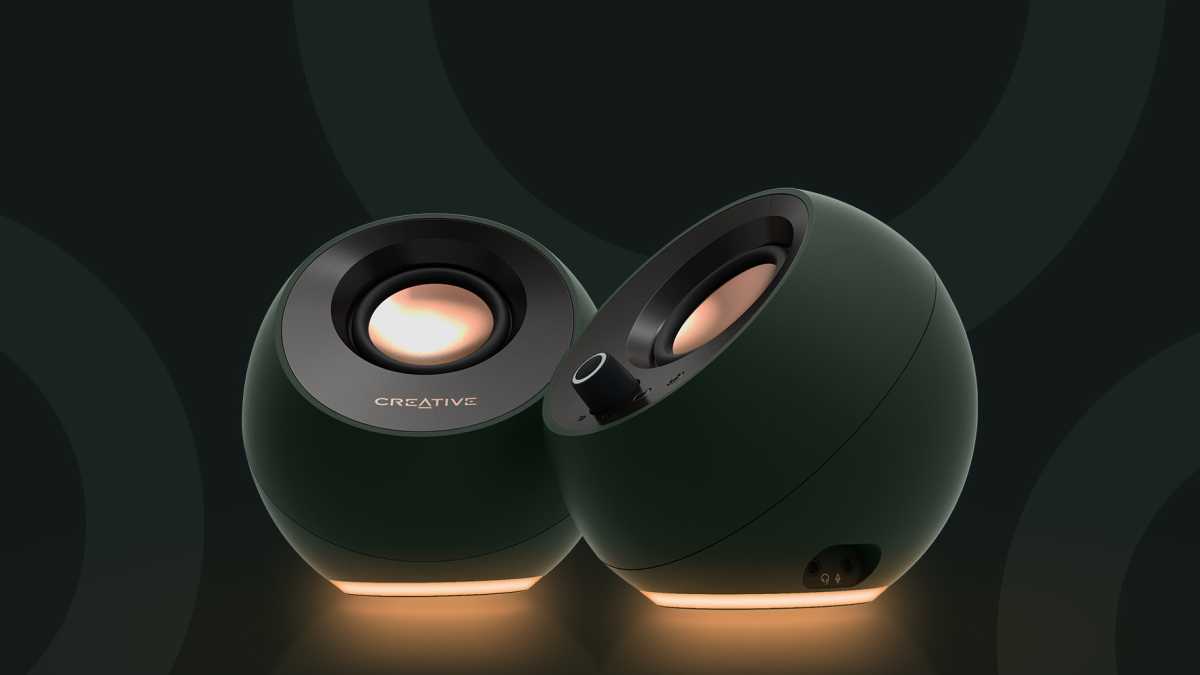
Upgrade your audio quality: Creative Pebble Pro Desktop Speakers
Creative
Laptops (and monitors) don’t come with high-quality integrated speakers, so you’re going to need a proper pair if you want to properly enjoy the movies and TV shows you watch and the games you play. For their price, these Creative Pebble Pro Desktop Speakers are absolute gold. They have a minimalist design, they come with Bluetooth 5.3 support, and they have customizable RGB lighting.
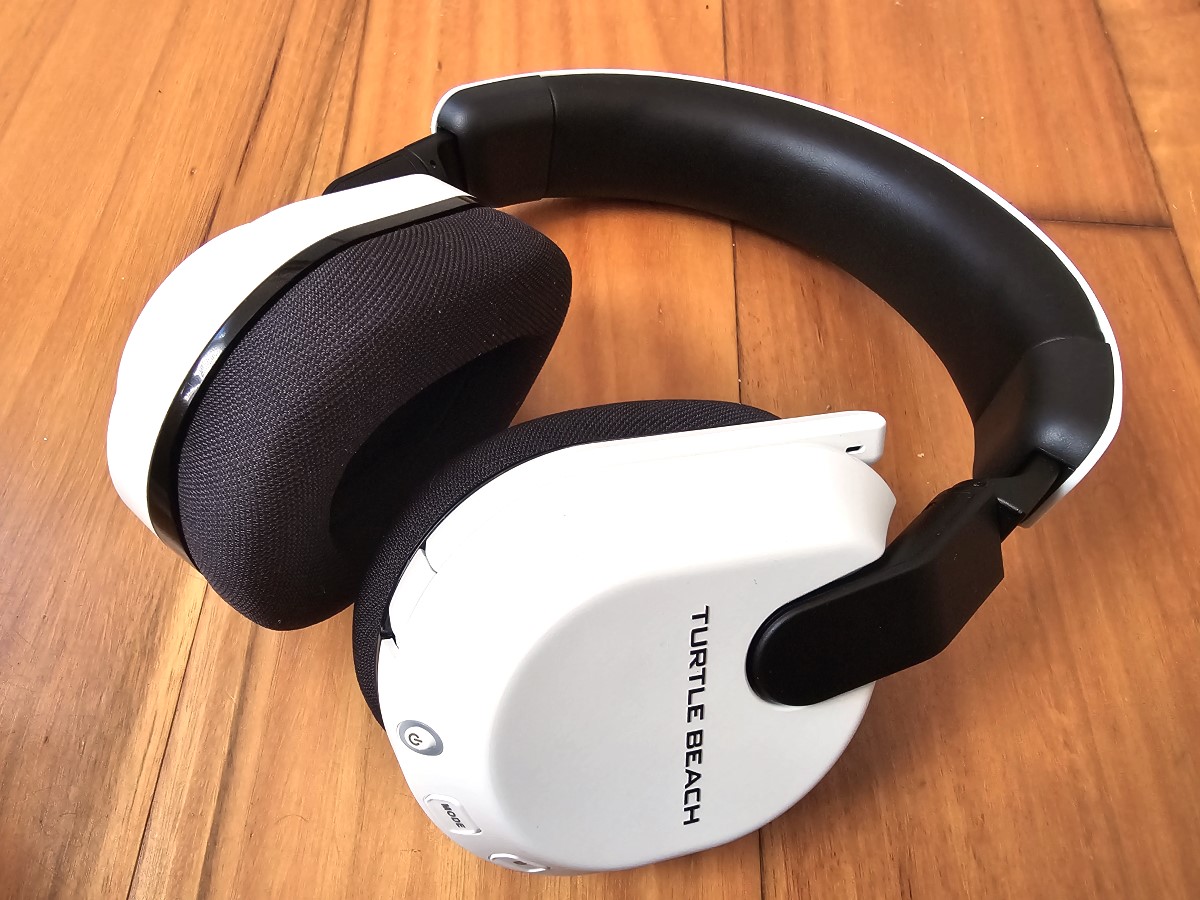
Chat online in ultimate comfort: Turtle Beach Stealth 600 Wireless Headset
Dominic Bayley / IDG
If you’re into online multiplayer games, then you need to be able to keep in touch with friends on Discord. The Turtle Beach Stealth 600 Wireless Headset is one of our favorites, not only for PC gaming but also while working, while on your phone, and even while gaming on the Xbox One and PS5. It delivers up to 80 hours of battery on a single charge, has a noise-cancelling mic, and it’s super comfy. While its MSRP is usually over $100, you can often get it on sale for below that.
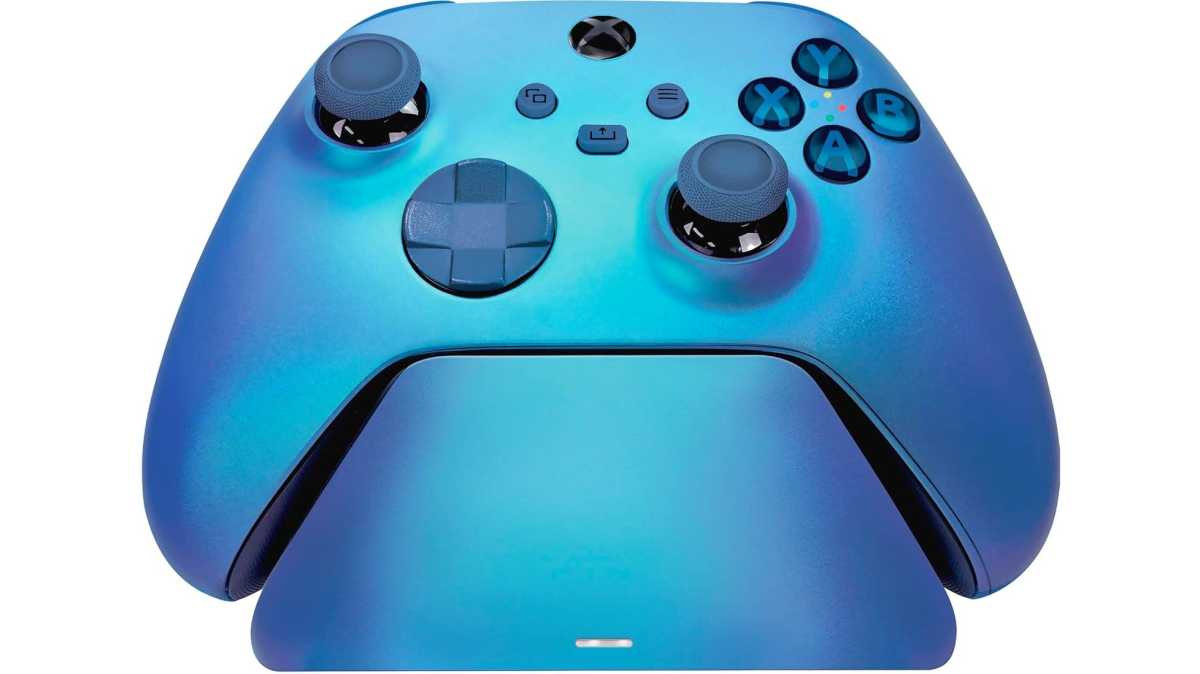
Organize your controllers: Razer Controller Charging Stand
Razer
I love gaming on a PC with a proper controller, but keeping those controllers charged can be a chore most days. Well, not if you get one of these Razer charging stands that double as a charger and a stand to rest your controller while it’s recharging. You’ll need to grab either the Xbox version or PS5 version depending on what you have.
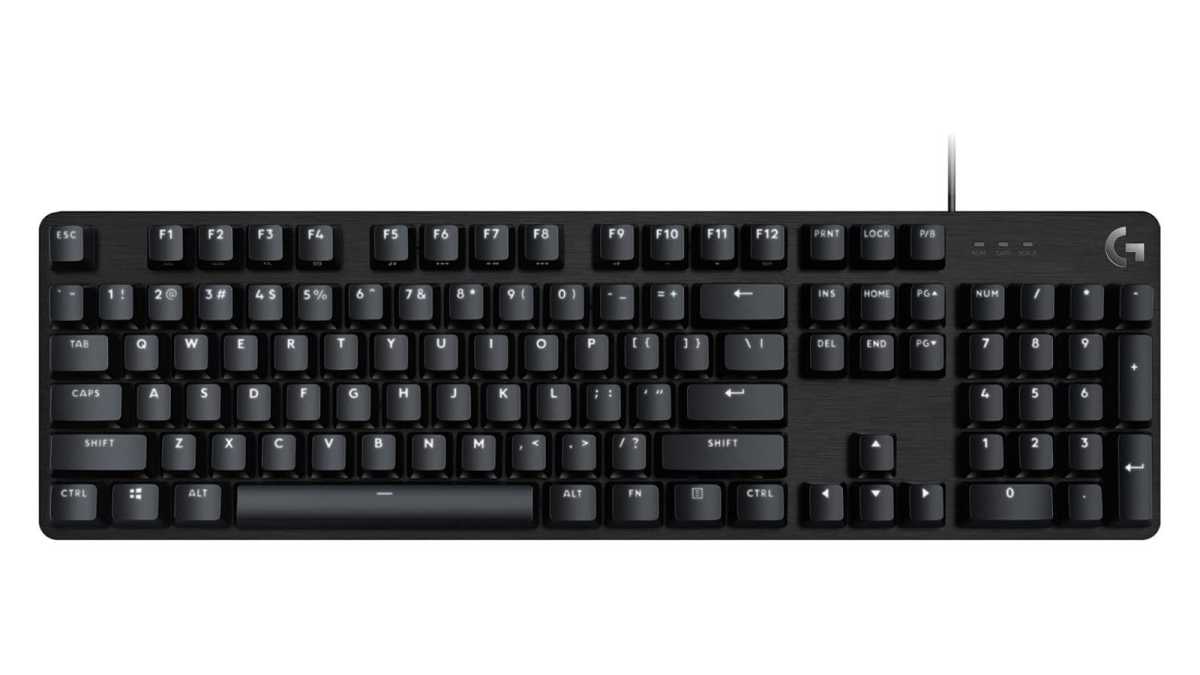
Get a better keyboard: Logitech G413 SE Gaming Keyboard
Logitech
Gaming keyboards are great for gamers, obviously. They’re speedy, comfortable for long sessions, backlit so you can find the keys even when gaming at night, and deliciously tactile. The Logitech G413 SE is a full-sized keyboard that features PBT keycaps that are resistant to both heat and wear and tear. There are also 12 function keys available to control media, toggle lighting, and more. While there are so many other gaming keyboards we could recommend, this one’s a good value pick because it’s from a top brand yet still well under $100.
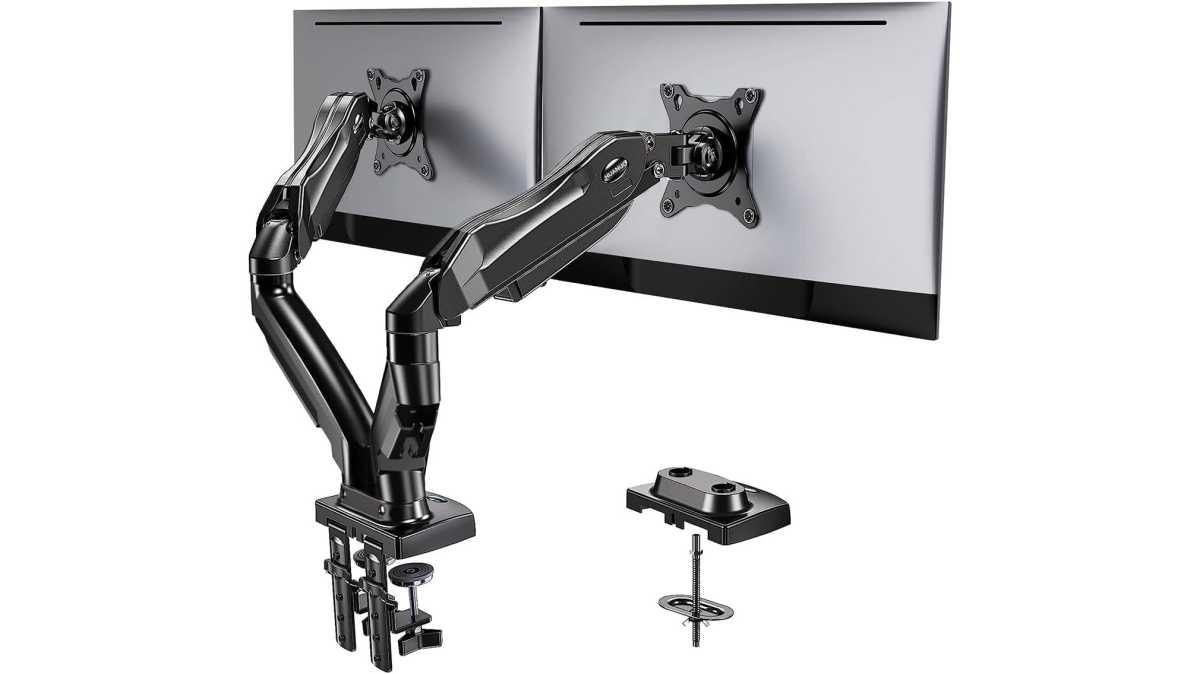
Perfect your monitor ergonomics: Huanuo FlowLift Dual Monitor Arms
HUANUO
Monitor arms serve double duty: they lift your monitors up to free up precious desk space, and they raise them to proper height with precise adjustments to minimize eye strain and poor posture. The Huanuo FlowLift Dual Monitor Arms are ideal for dual-monitor setups, with two independent arms that each tilt, swivel, and rotate as needed. Each arm can hold monitors from 13 to 32 inches and up to 19.8 pounds. In this price range, these arms are nigh unbeatable.
