

Close Menu

    Subscribe to Updates

    Get the latest creative news from FooBar about art, design and business.

    What's Hot

    NBA mock draft: BYU’s Dybantsa headlines top tier with Kansas’ Peterson, Duke’s Boozer, UNC’s Wilson

    China robotics firms line up IPOs to pitch next phase of AI

    The Star Fox Remake Is A Test For The Franchise’s Future

    Facebook X (Twitter) Instagram
    Facebook X (Twitter) Instagram Pinterest VKontakte
    Sg Latest NewsSg Latest News
    • Home
    • Politics
    • Business
    • Technology
    • Entertainment
    • Health
    • Sports
    Sg Latest NewsSg Latest News
    Home»Technology»Android 17 Beta 4.1 Update Surprises Pixels
    Technology

    Android 17 Beta 4.1 Update Surprises Pixels

    AdminBy AdminNo Comments2 Mins Read
    Facebook Twitter Pinterest LinkedIn Tumblr Email
    Share
    Facebook Twitter LinkedIn Pinterest Email


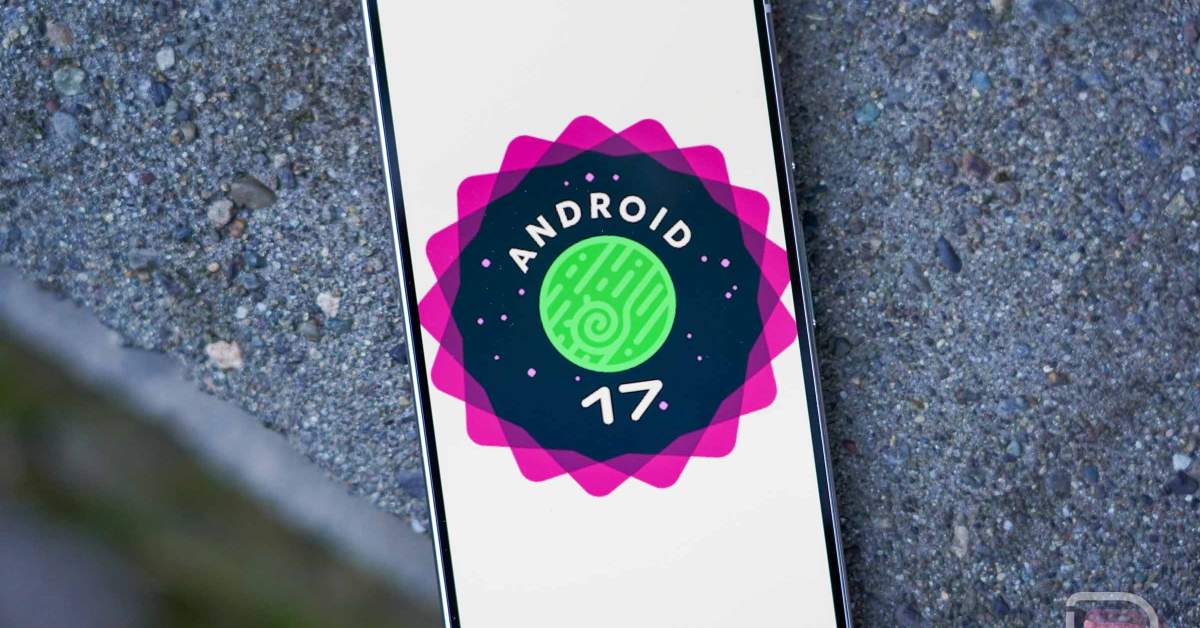
    This afternoon, Google dropped a bit of a surprise update on its Pixel line-up. Android 17 Beta 4.1 was released as a minor update to April’s Beta 4, which Google said at the time would be the “last scheduled beta” of the cycle before things went stable. I guess they needed one last bug-fixer.

    The Android 17 Beta 4.1 update should be small, but is still available to the Pixel 6 up through the new Pixel 10 series devices. The Pixel 10a is still missing for some reason.

    As for what’s new, Google shared 5 fixes and no new features. The new build information can be found below.

    Release date June 1, 2026
    Builds CP21.260330.011
    Emulator support x86 (64-bit), ARM (v8-A)
    Security patch level 2026-05-05
    Google Play services 26.11.36

    Android 17 Beta 4.1 bug fixes

    You can see the fixes included in this 4.1 update and it’s mostly minor stuff. There’s a fix for a status bar display issue, another for a Quick Settings bug, one for external display connections, and a couple more.

    • An issue where the status bar incorrectly displayed zero signal bars despite active connectivity. (Issue #488358813)
    • A UI synchronization issue where the mobile data Quick Settings icon remained active during Airplane mode. (Issue #501368569, Issue #505757076, Issue #512828669)
    • An issue where external displays would go black when selecting high resolutions. (Issue #504952465)
    • A Bluetooth audio routing issue that caused playback silence after system interruptions like timers. (Issue #497181008)
    • An issue causing hearing aids to be automatically forgotten from paired devices after inactivity or charging. (Issue #504968772, Issue #504395613, Issue #493347800, Issue #504696777)

    I’m actually not sure how you’ll get this update. If you are enrolled in the Android Beta Program still, you should be receiving Android 17 QPR1 Beta builds. However, you can manually flash (factory images, OTAs) this if you were for some reason still on Android 17 Beta 4.

    // Android Developers

    Share. Facebook Twitter Pinterest LinkedIn Tumblr Email
    Admin
    • Website

    Related Posts

    The Star Fox Remake Is A Test For The Franchise’s Future

    Smart Displays Can Become the Quiet Hero of Family Life

    Asus reveals world’s first OLED esports monitor and a Color ePaper secondary display

    IBM and Red Hat commit $5bn to secure open-source software

    Add A Comment
    Leave A Reply Cancel Reply

    Editors Picks

    Electrical fire to keep theater that hosts ‘The Book of Mormon’ closed through May 17

    The 2026 Grammy Award nominations are about be announced. Here’s what to know

    Disease of 1,000 faces shows how science is tackling immunity’s dark side

    Judge reverses Trump administration’s cuts of billions of dollars to Harvard University

    Top Reviews
    9.1

    Review: Mi 10 Mobile with Qualcomm Snapdragon 870 Mobile Platform

    By Admin
    8.9

    Comparison of Mobile Phone Providers: 4G Connectivity & Speed

    By Admin
    8.9

    Which LED Lights for Nail Salon Safe? Comparison of Major Brands

    By Admin
    Sg Latest News
    Facebook X (Twitter) Instagram Pinterest Vimeo YouTube
    • Get In Touch
    © 2026 SglatestNews. All rights reserved.

    Type above and press Enter to search. Press Esc to cancel.