


Imagine spending hours making a video only to realise you forgot to add a text or an effect to your video. Sounds depressing, right? Because now you have to make the whole video from the beginning. Situations like this really test your patience, but if you know the right technique to resolve them, your editing problems are already halfway gone.
Meet Adobe Firefly, Adobe’s AI Video Generator and AI Image Editor, a single platform for text-to-video, image-to-video, generative fill, and AI-powered editing, designed for marketers, social creators, and beginners alike. In 2026, Adobe isn’t just giving you a gallery of AI art; it’s handing you a dedicated tool designed to simplify your ideas and execute them in seconds. Whether you need to fix a missed detail or generate an entirely new scene, Adobe Firefly works perfectly on your mistakes and flaws. To know more about Adobe Firefly, let’s dive into the article right away.
What Can You Do With Adobe Firefly?
Adobe Firefly acts as an AI creative tool. making your simple text descriptions into high-quality images and videos. This feature has Generative Fill, which lets you add or swap objects in a photo with a quick command, and text-to-video, which brings your creative concepts to life as high-resolution clips.
The latest update also introduces third-party integration. This allows you to access advanced capabilities and partner models from companies like Google, OpenAI, Runway, and more within the Adobe apps, ensuring your projects are both visually impressive and correct.
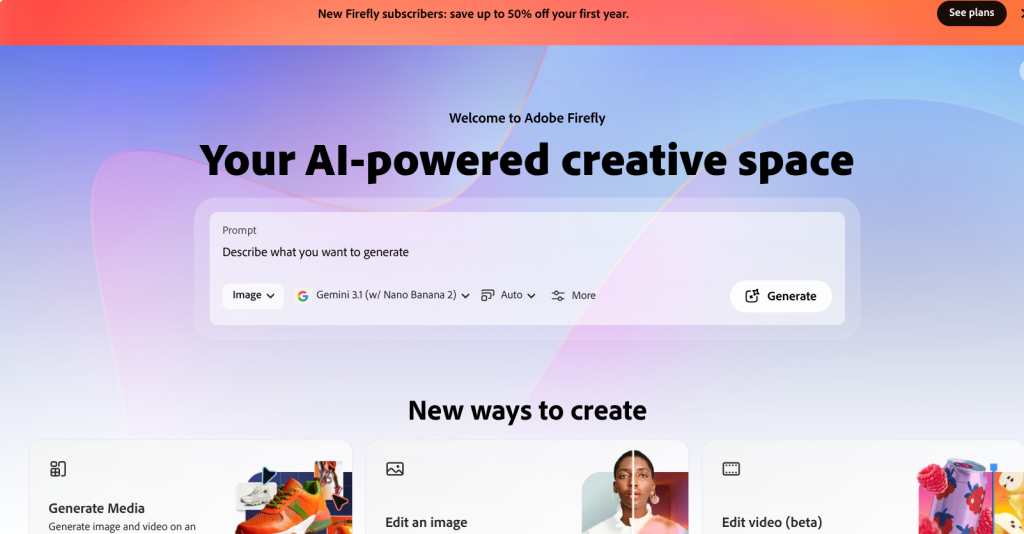
How Adobe Firefly is Different From Any Other Editing App
Are you having trouble editing that video, or is your image taking too long to be perfect? Well, worry not, because Adobe Firefly helps you improve and refine your editing with ease. Check out the exclusive features of Firefly and learn why you should use it to edit your videos and images.
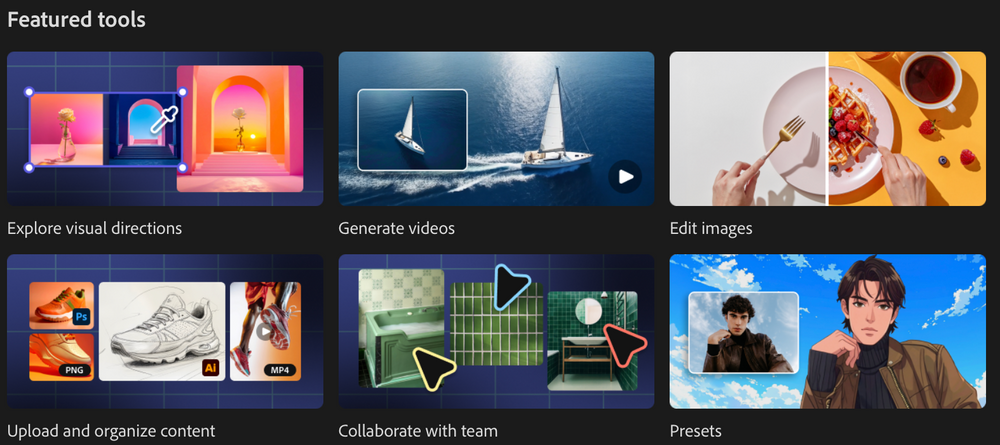
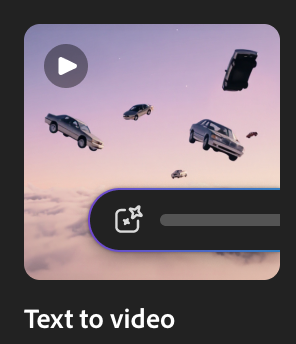
1. Instant Text-to-Video:
Adobe Firefly will help you generate high-quality clips from simple text prompts, making it the best solution for creating perfect videos without any hassle.
2. Effortless Image Animation:
Bring your static visuals to life with Adobe Firefly by converting them into dynamic, engaging video content.

3. Designed for Everyone:
You don’t need to be a pro editor to get professional results with the help of Adobe Firefly, built to be accessible to beginners and marketers alike.
4. Complete Creative Control:
Use AI to fine-tune camera angles, movement, and visual styles so the output perfectly matches your vision.
5. Flexible Input Options:
You can now create videos your way by using text prompts, standalone images, or specific keyframes.
6. Optimised for Marketing:
Adobe Firefly is one of the best tools for editing your marketing content. It quickly produces b-roll, social media snippets, and cinematic effects, making it a go-to tool for digital content creators.
Guide To Use The AI Tool
Now that Adobe Firefly has moved beyond its initial beta, it has become a premier AI video generator for high-end marketing. Because it is built for commercial use, you can use every frame in your professional projects with confidence.
How to Create Videos Using AI
Building professional-grade clips is now incredibly intuitive. You have two powerful ways to bring your vision to life:
-
Text-to-Video: Simply describe your scene and watch as Adobe Firefly generates a 1080p clip showcasing a realistic effect.
-
Image-to-Video: Use the AI to bridge the gap between two still images. Adobe Firefly intelligently creates the moment.
Quick Tutorial: Editing Images with AI
The “Prompt To Edit” segment is your ultimate weapon. Here are the steps to use the tool effortlessly.
-
Step 1: Upload Your Content – Head to the Adobe Firefly web app and drop in the image you want to transform.
-
Step 2: Define Your Target – Use the Selection Brush to highlight the specific area you want to change.
-
Step 3: Issue a Creative Command – Enter your prompt (e.g., “Change wooden table to white marble”).
-
Step 4: Pick Your Engine – Choose the AI model that best fits your needs, such as Firefly Image 3 for artistic styles or advanced partner models for complex details.
-
Step 5: Refine and Save – Review the generated variations, pick the perfect match, and click download.
Adobe Firefly Plans and Pricing
Adobe Firefly offers a variety of monthly and annual plans, including Standard, Pro, and Premium options, to suit different creative needs. These plans include benefits such as unlimited image generation, access to high-resolution outputs, and the latest video generation models.
Because plan inclusions and pricing change frequently, we recommend visiting the official Adobe page for the latest pricing plans.
Conclusion
You can now turn your ordinary images and videos into professional content with Adobe Firefly. This tool will save hours of tedious editing and let you focus on your creative vision while the AI looks after all the other details. With all the exclusive features like fine-tune camera angles, cinematic effects, and b-roll production, it is the perfect time to enhance your workflow. Hurry up and try out Adobe Firefly now!
