Close Menu

    Subscribe to Updates

    Get the latest creative news from FooBar about art, design and business.

    What's Hot

    Tennessee redistricting plan splits Memphis neighbors and reshapes midterms as other states follow

    Operators of critical services in Singapore must urgently raise defences amid AI threats: Shanmugam

    Denon Home series speakers review: Siri & superior sound

    Facebook X (Twitter) Instagram
    Facebook X (Twitter) Instagram Pinterest VKontakte
    Sg Latest NewsSg Latest News
    • Home
    • Politics
    • Business
    • Technology
    • Entertainment
    • Health
    • Sports
    Sg Latest NewsSg Latest News
    Home»Technology»More than 20 icons have changed in macOS Tahoe: Here’s how to identify them all
    Technology

    More than 20 icons have changed in macOS Tahoe: Here’s how to identify them all

    AdminBy AdminNo Comments2 Mins Read
    Facebook Twitter Pinterest LinkedIn Tumblr Email
    Share
    Facebook Twitter LinkedIn Pinterest Email


    If you’ve downloaded macOS 26, the biggest visual change is the interface that brings a new look to menus and buttons. Apple is taking advantage of the Liquid Glass introduction to bring some new icon designs to the Mac as well to help give macOS a fresh look. It’s a polarizing look for sure, but far more jarring will be the new icons that come with it.

    If you’re a veteran Mac user, some of the icons may throw you off because Apple made a drastic change. Other icons will be instantly recognizable–you may not even notice a difference unless you take a closer look. In many cases, the icons are simpler and have less character than they did before.

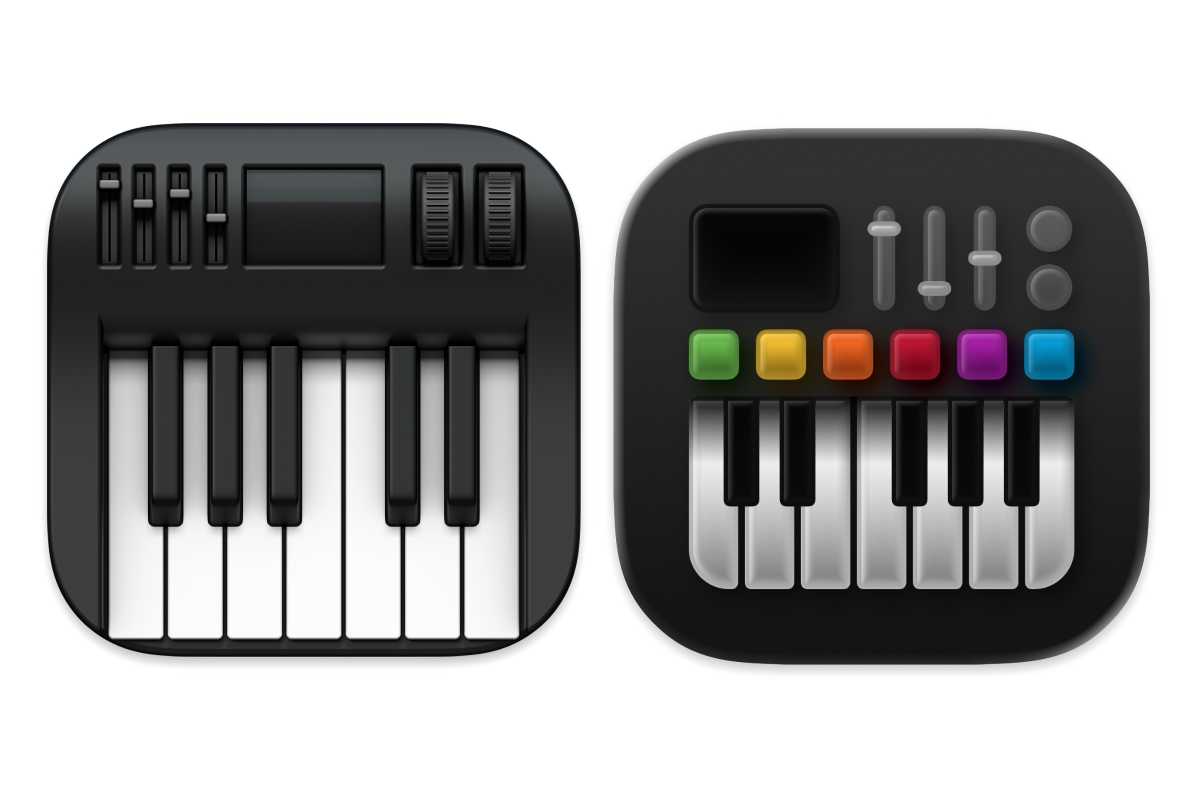
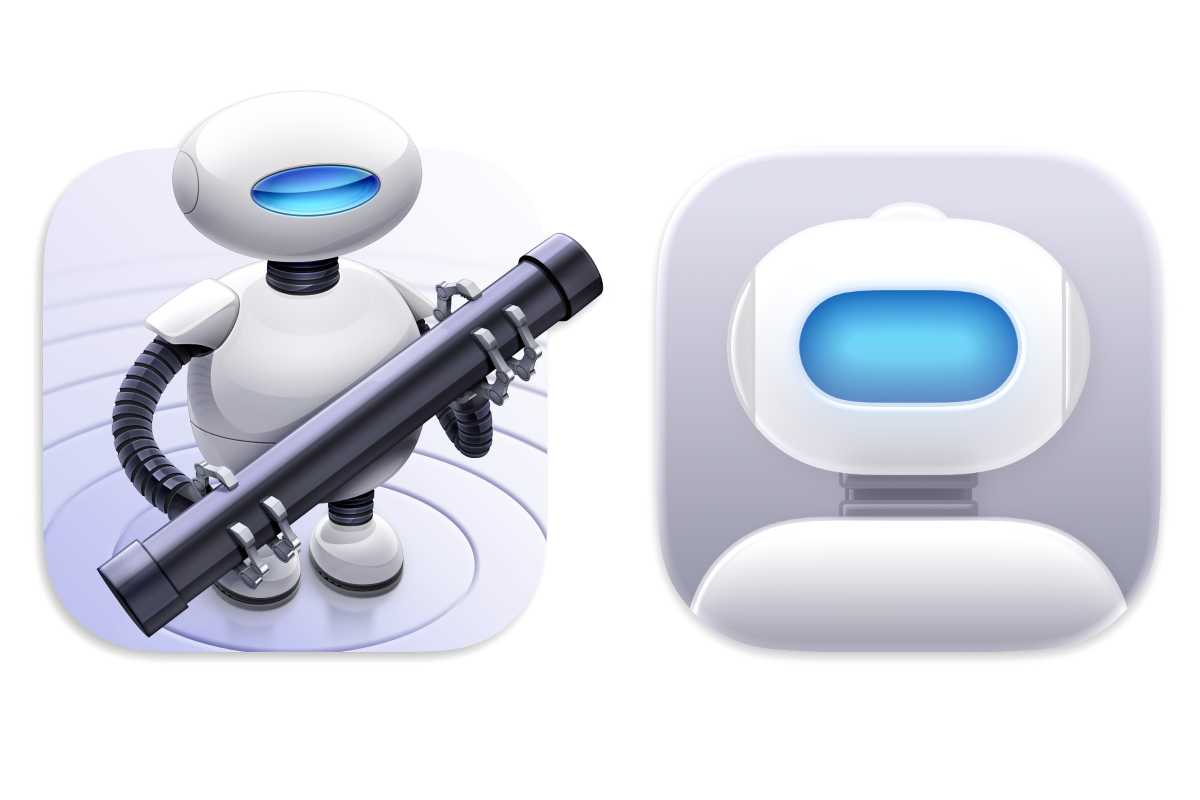
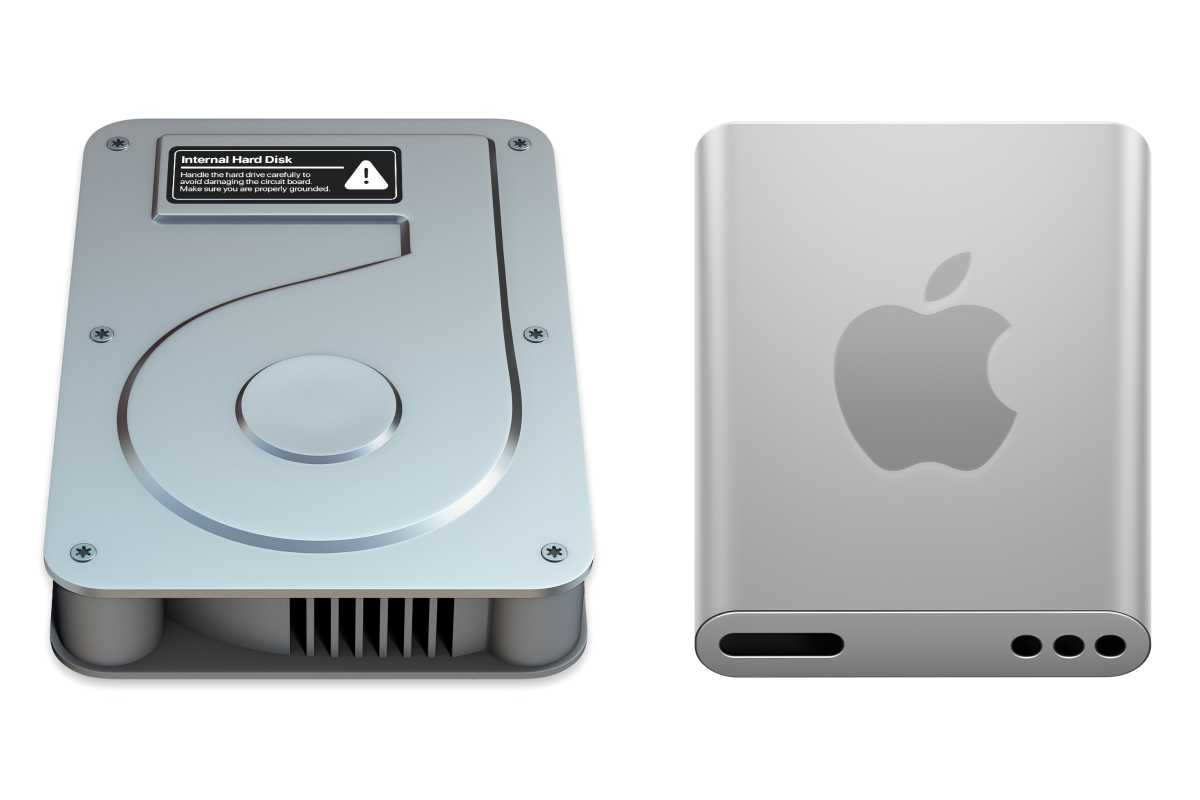
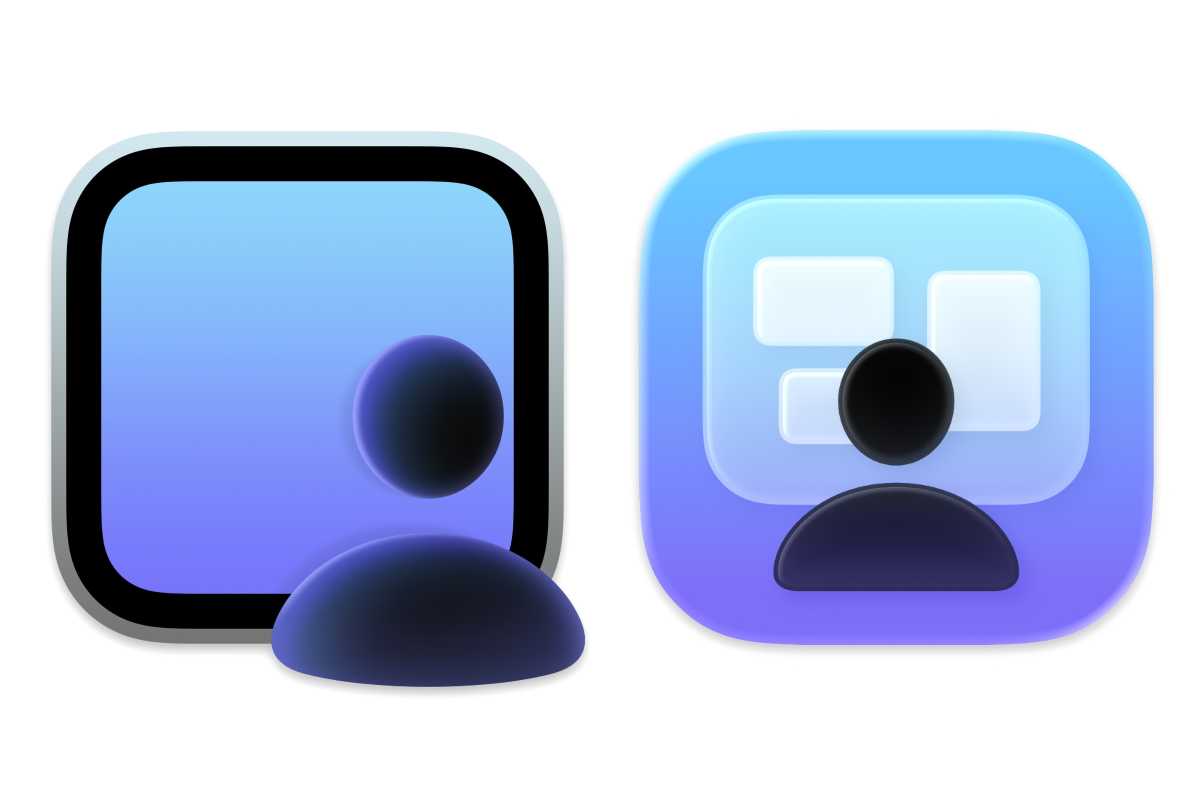
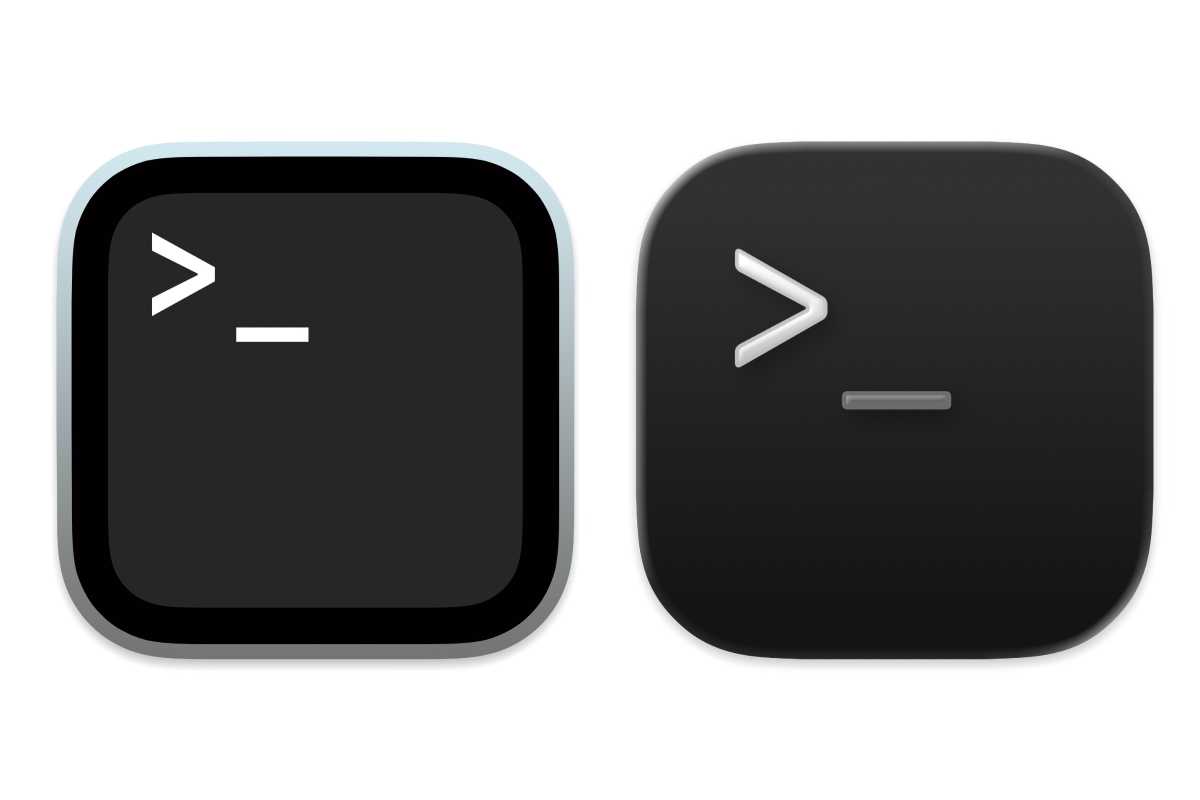
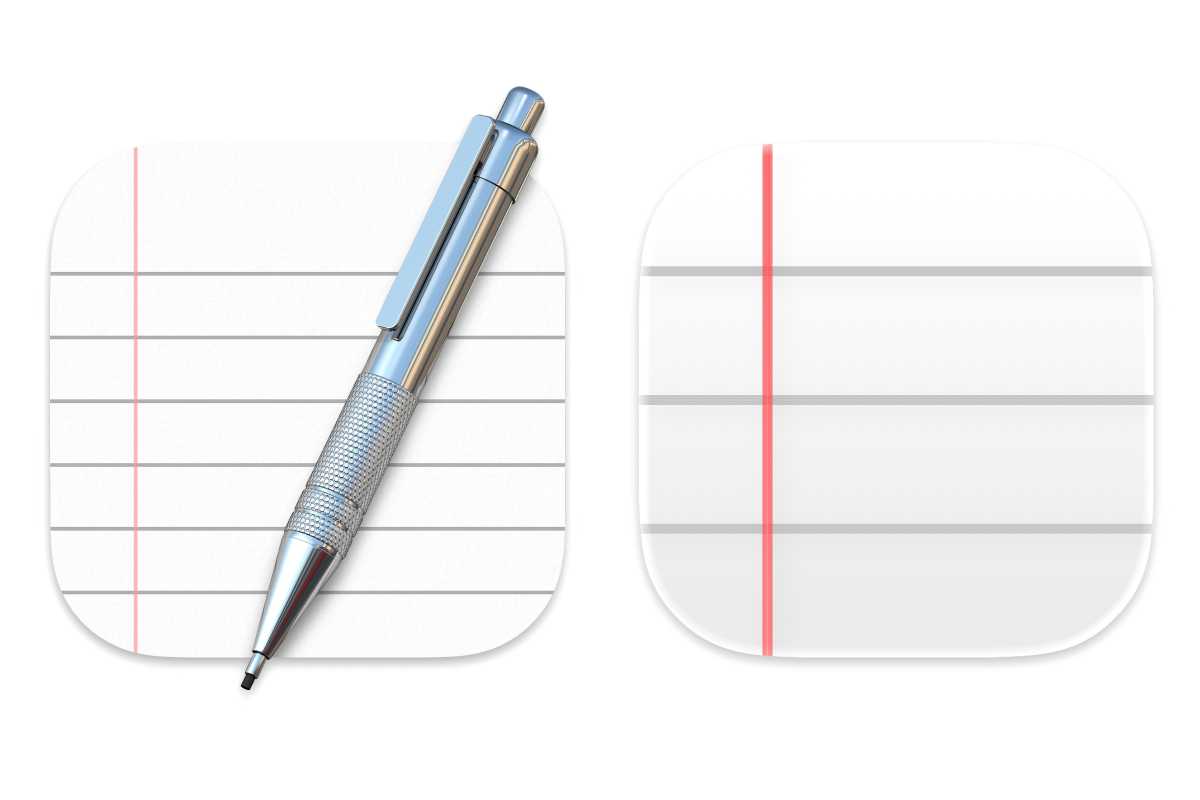
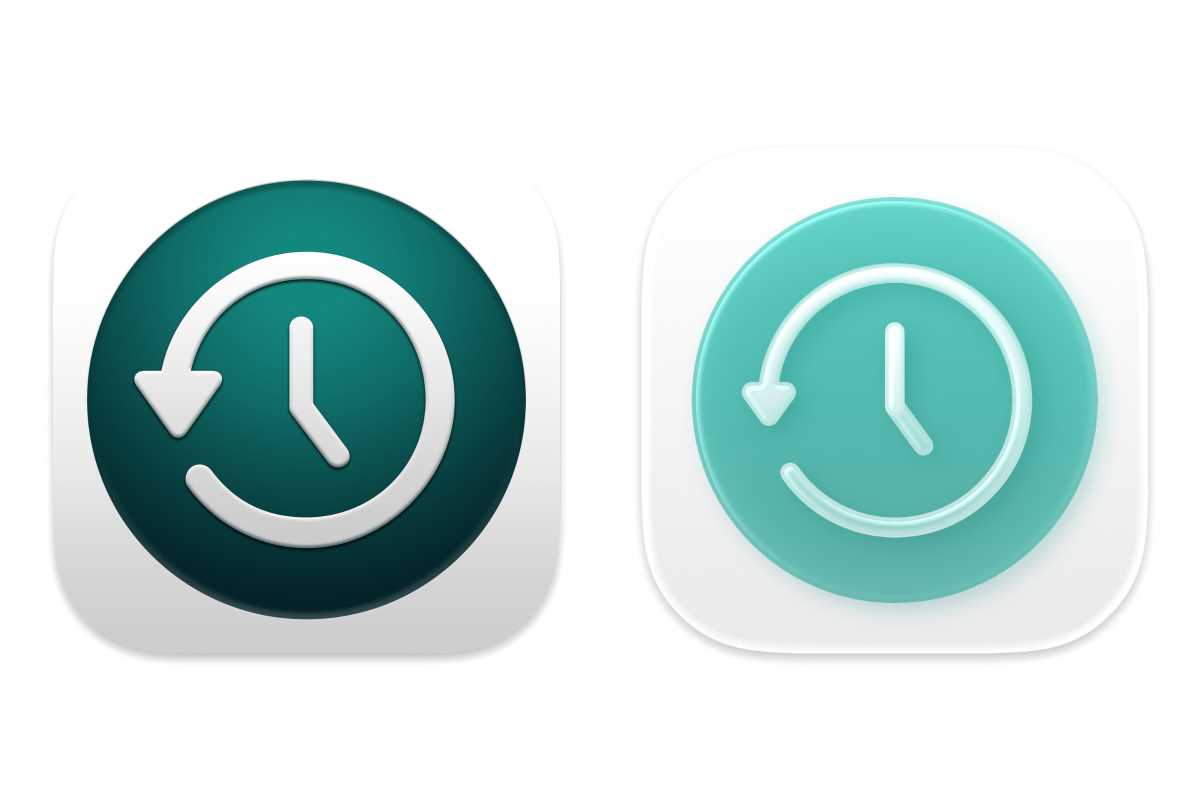
    Here are 21 examples of Apple apps that have new icons. In all of the images below, the icon on the left is from macOS Sequoia and the icon on the right is from the macOS Tahoe beta.

    Finder
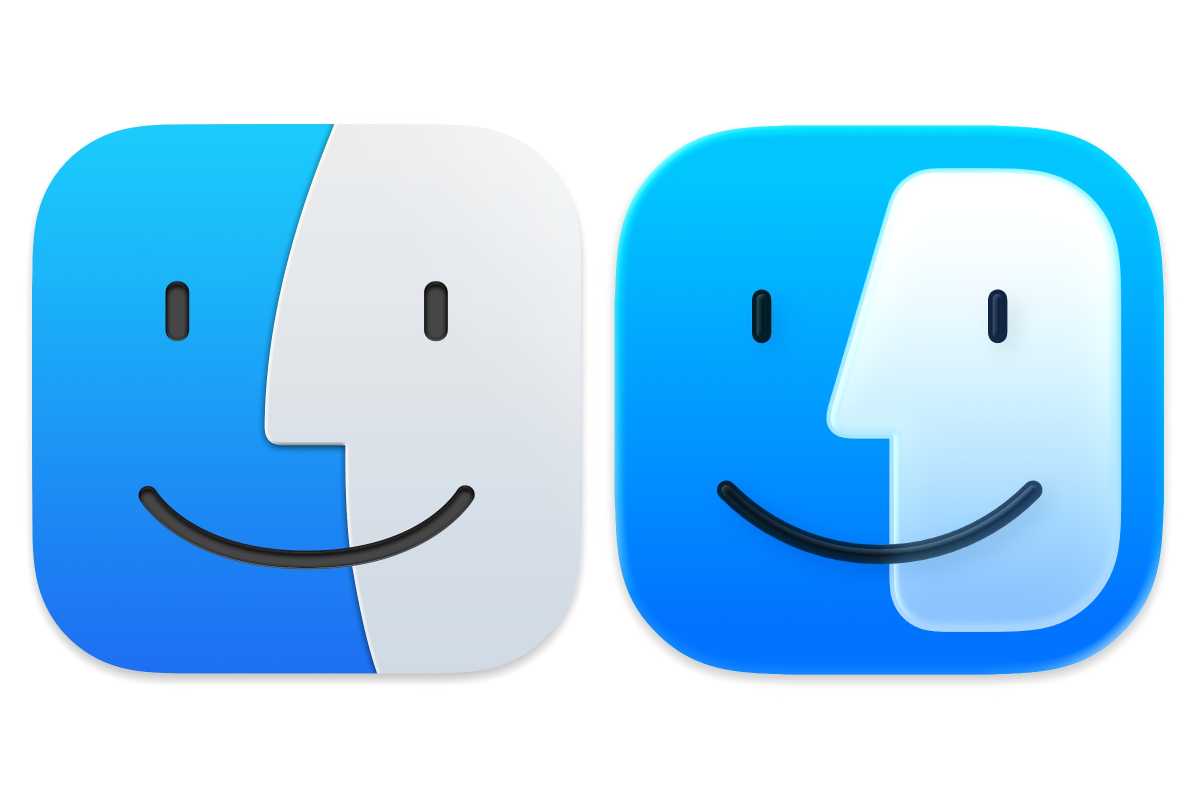
    macOS 15 (left) and macOS 26 (right) Finder icons
    Finder: macOS Sequoia (left) and macOS Tahoe (right) icons.

    Apple

    Audio MIDI Setup

    macOS 15 & macOS 26 Audio MIDI Setup icons
    Audio MIDI Setup: macOS Sequoia (left) and macOS Tahoe (right).

    Apple

    Automator

    macOS 15 & macOS 26 Automator icons

    Automator: macOS Sequoia (left) and macOS Tahoe (right).

    Apple

    Calendar
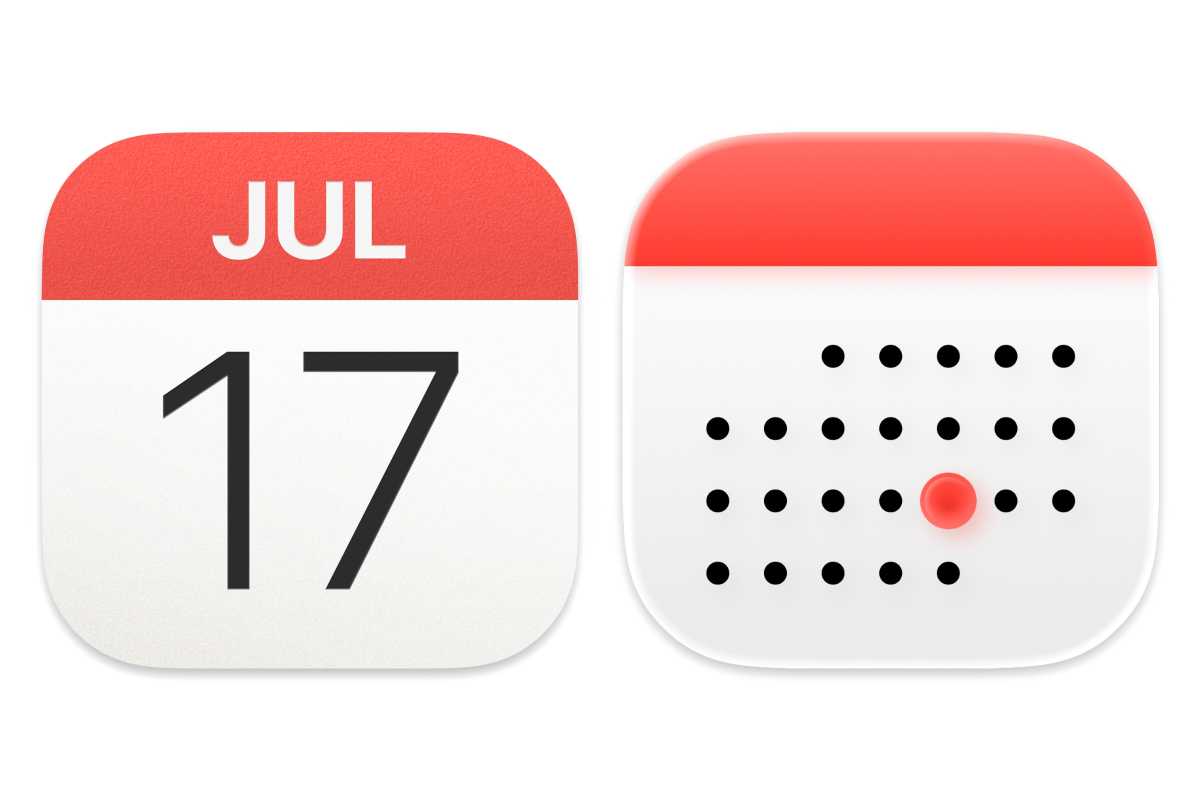
    macOS 15 & macOS 26 calendar icons

    Calendar: macOS Sequoia (left) and macOS Tahoe (right).

    Apple

    Chess
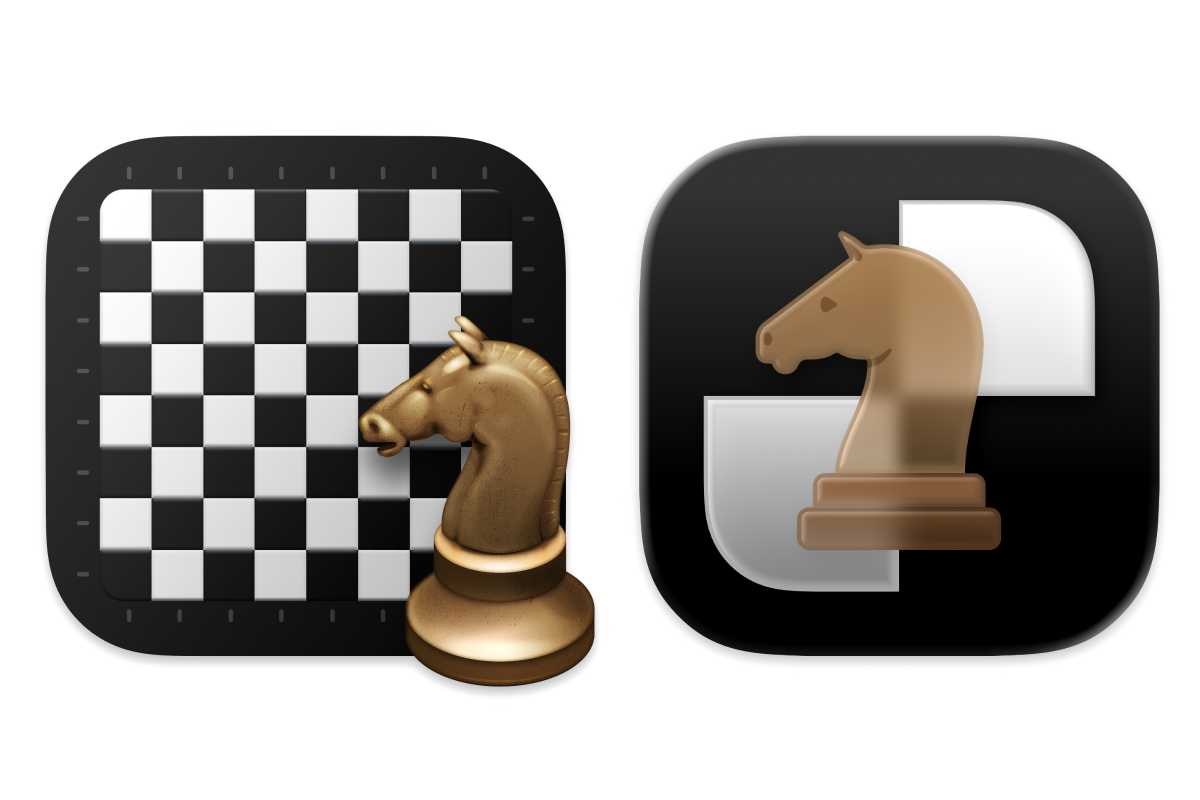
    macOS 15 & macOS 26 Chess icons

    Chess: macOS Sequoia (left) and macOS Tahoe (right).

    Apple

    Clock
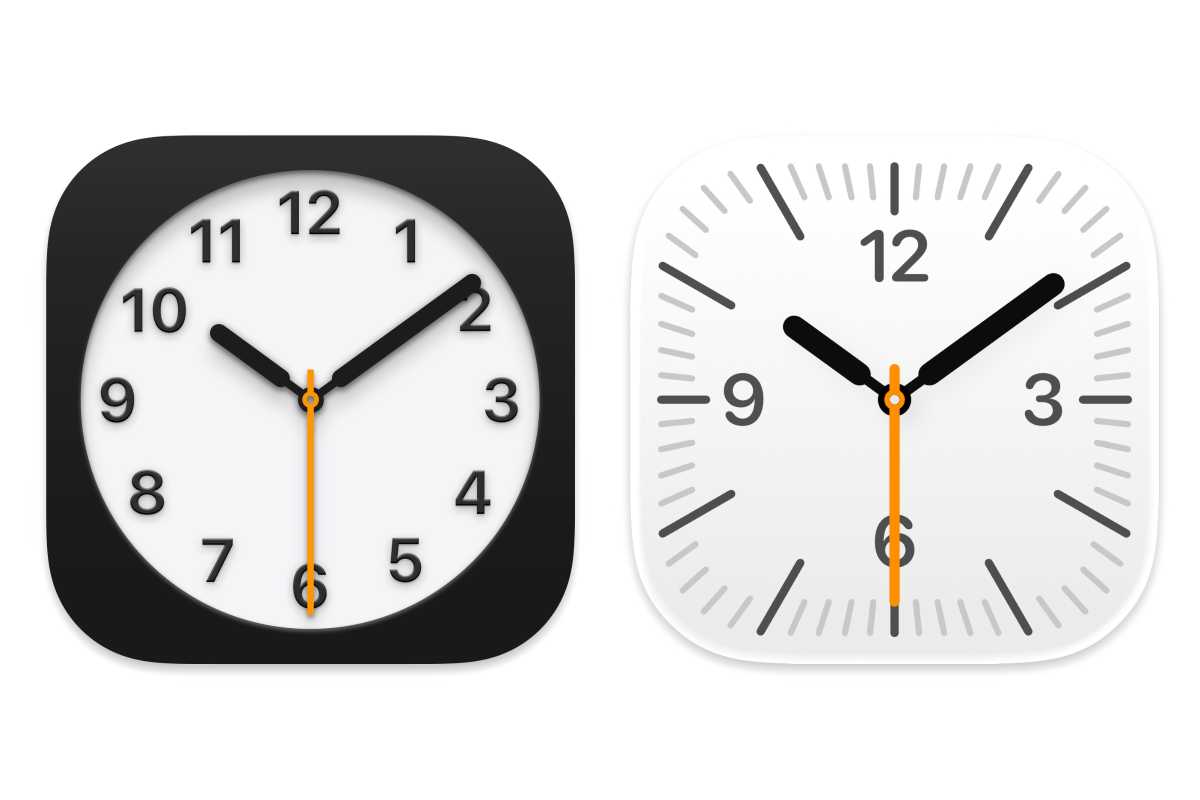
    macOS 15 & macOS 26 Clock icons

    Clock: macOS Sequoia (left) and macOS Tahoe (right).

    Apple
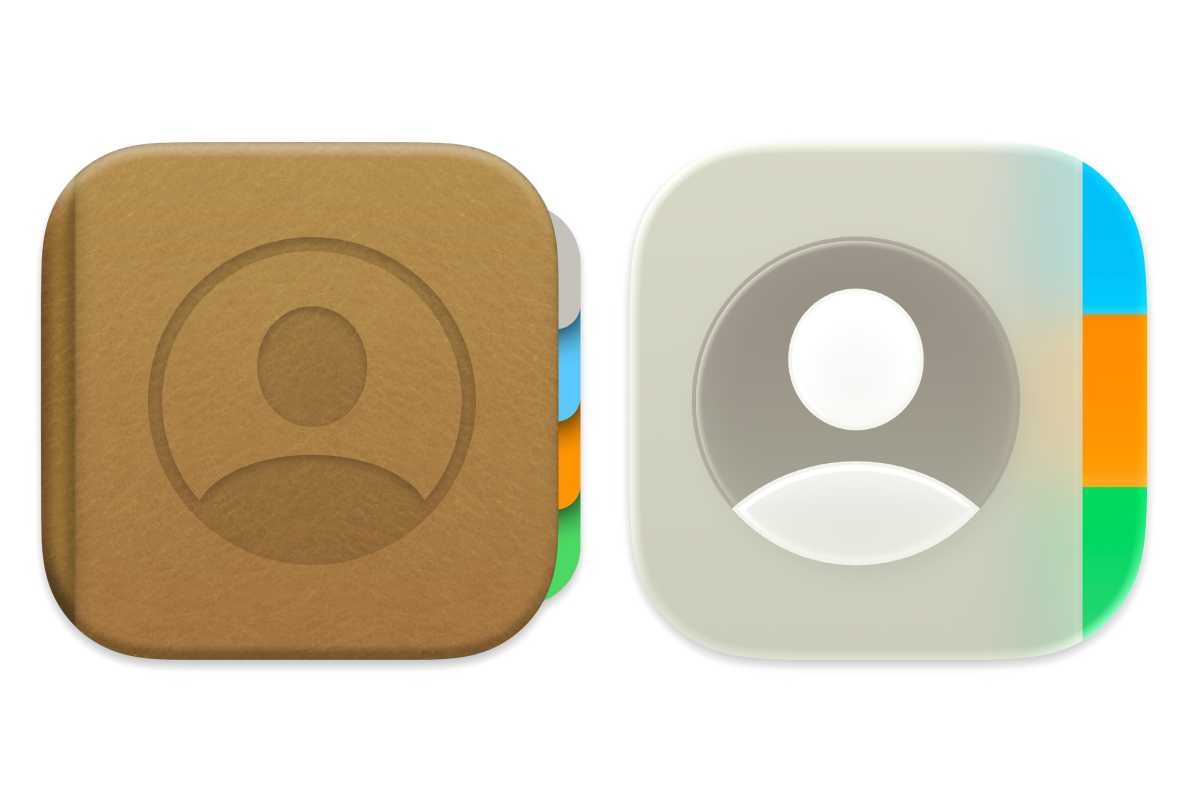
    macOS 15 & macOS 26 Contacts icons

    Contacts: macOS Sequoia (left) and macOS Tahoe (right).

    Apple

    Digital Color Meter
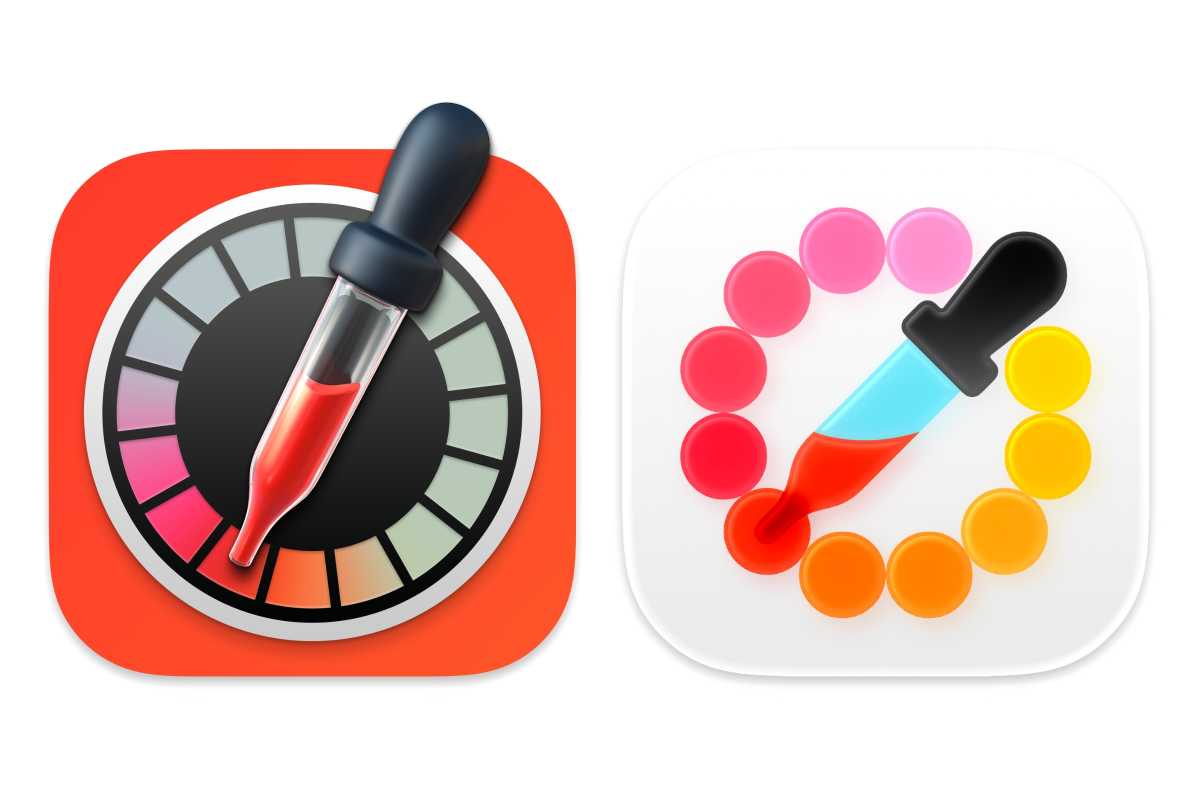
    macOS 15 26 Digital Color Meter icons

    Digital Color Meter: macOS Sequoia (left) and macOS Tahoe (right).

    Apple

    Disk Utility
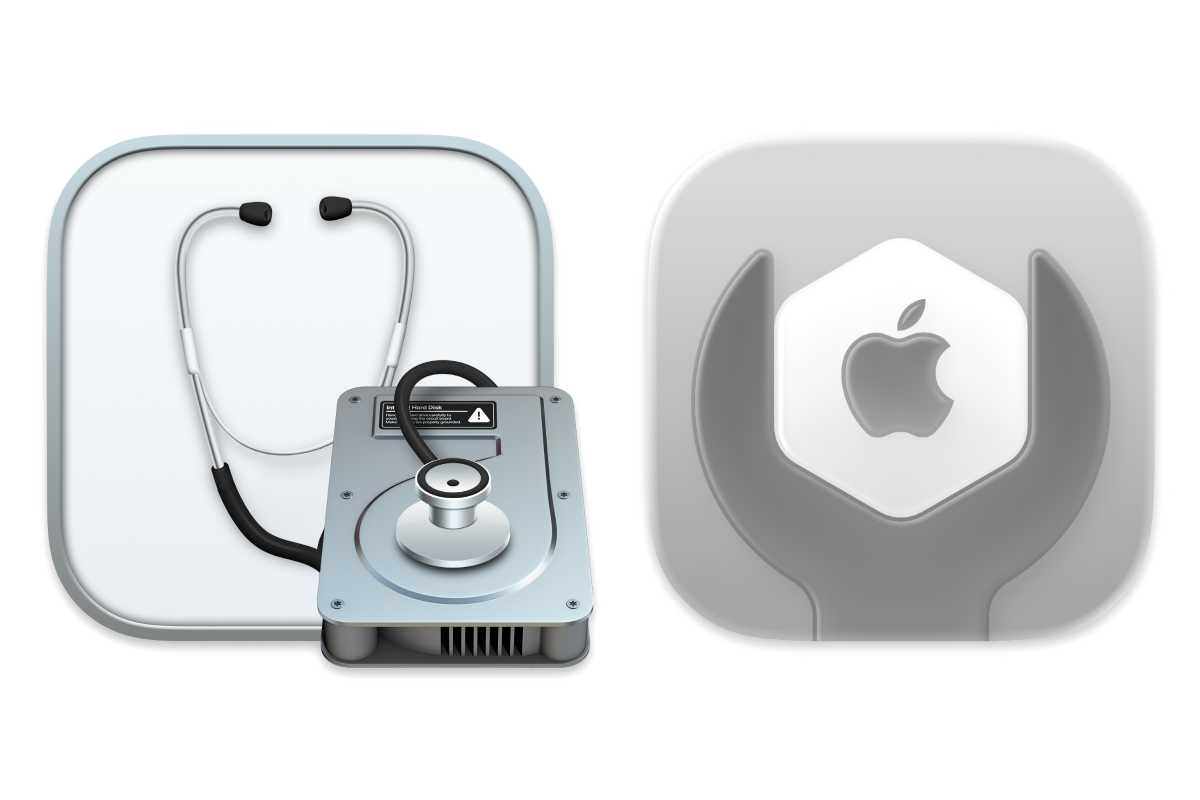
    macOS 15 & macOS 26 disk utility icons

    Disk Utility: macOS Sequoia (left) and macOS Tahoe (right).

    Apple

    Font Book
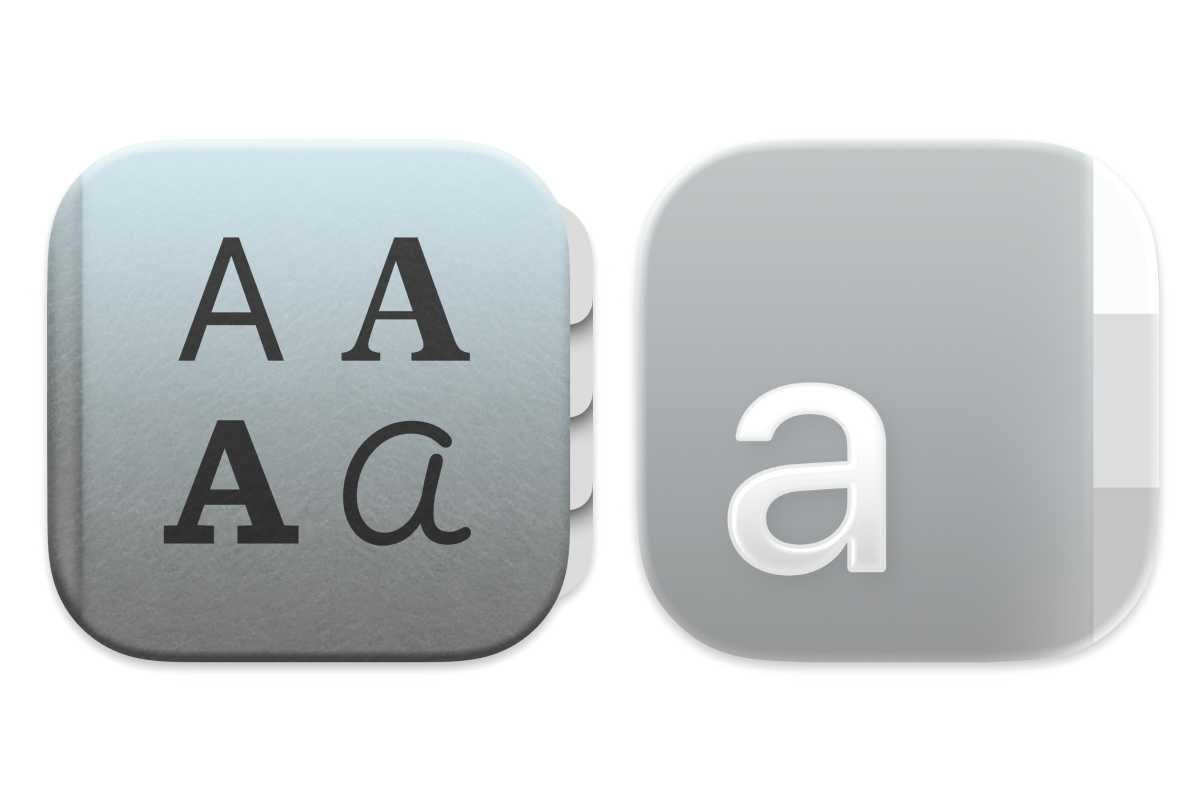
    macOS 15 & macOS 26 Font Book icons

    Font Book: macOS Sequoia (left) and macOS Tahoe (right).

    Apple

    iPhone Mirroring
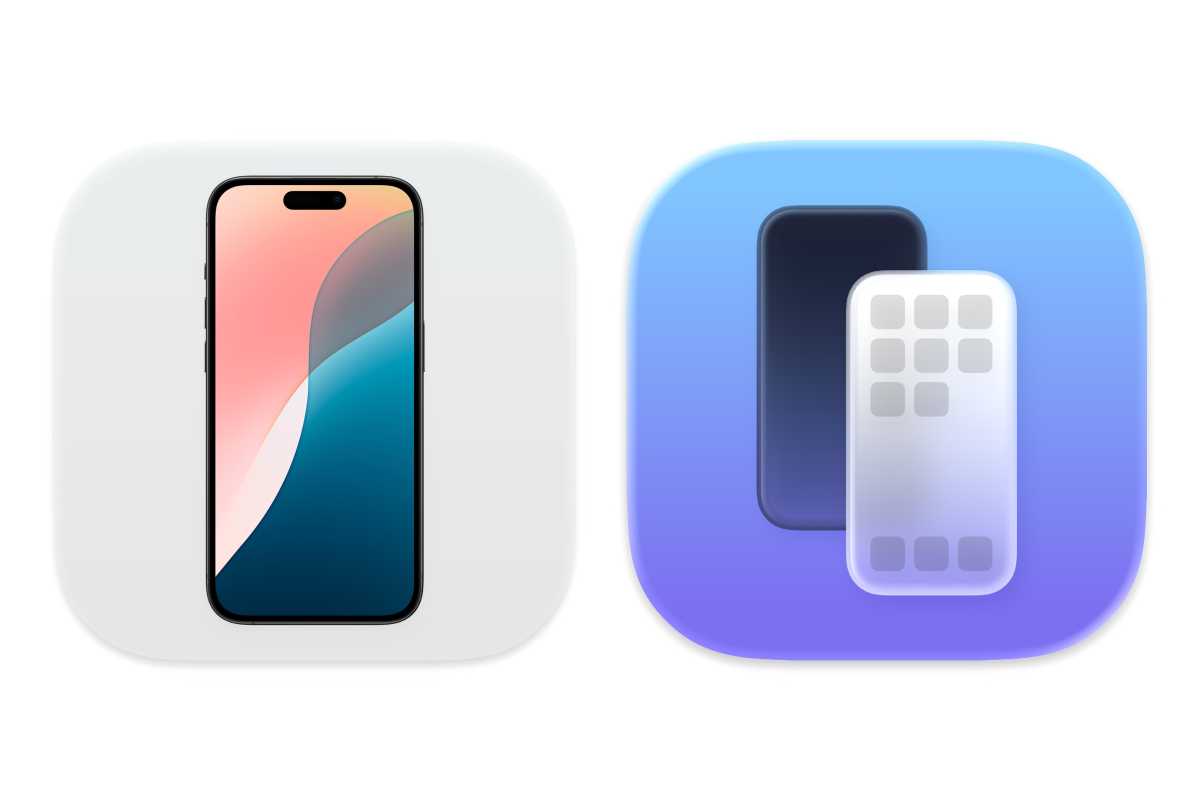
    macOS 15 & macOS 26 iphone mirroring icons

    Apple

    Macintosh HD

    macOS 15 & macOS 26 macintosh hd icon

    Macintosh HD: macOS Sequoia (left) and macOS Tahoe (right).

    Apple

    Migration Assistant
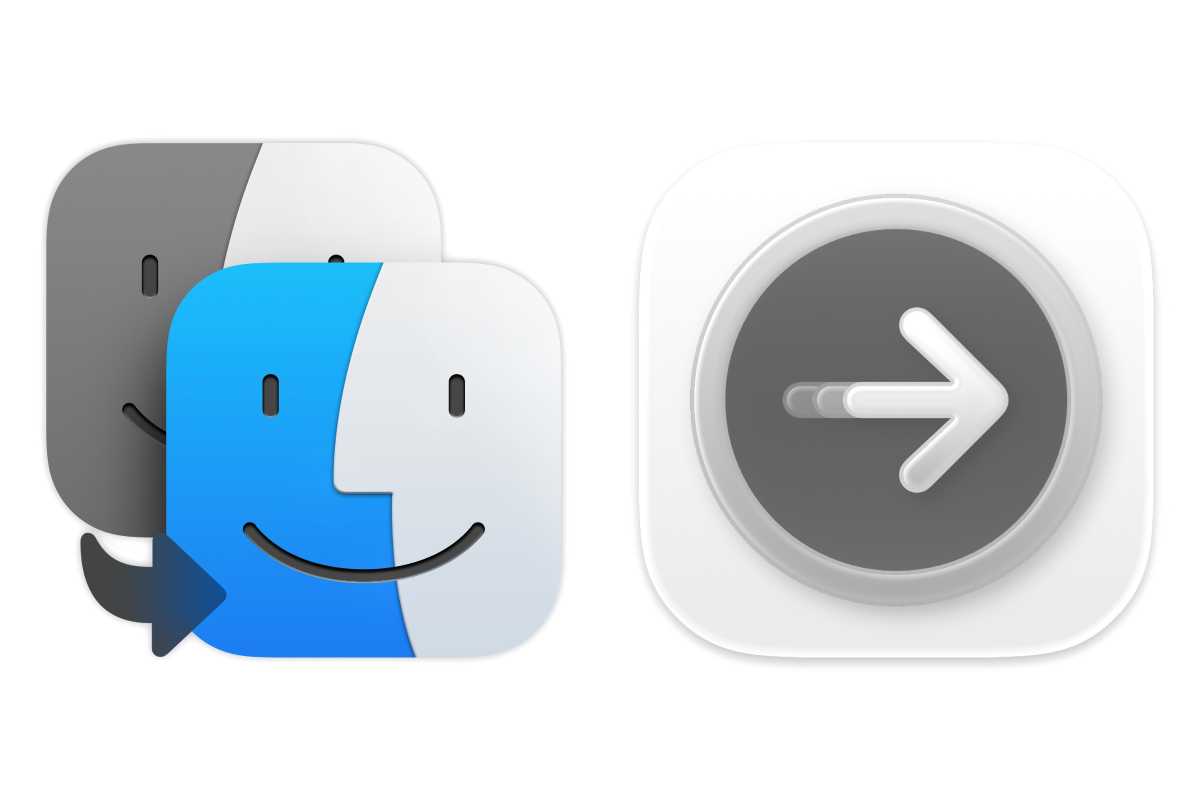
    macOS 15 & macOS 26 migration assistant icons

    Migration Assistant: macOS Sequoia (left) and macOS Tahoe (right).

    Apple

    Photo Booth
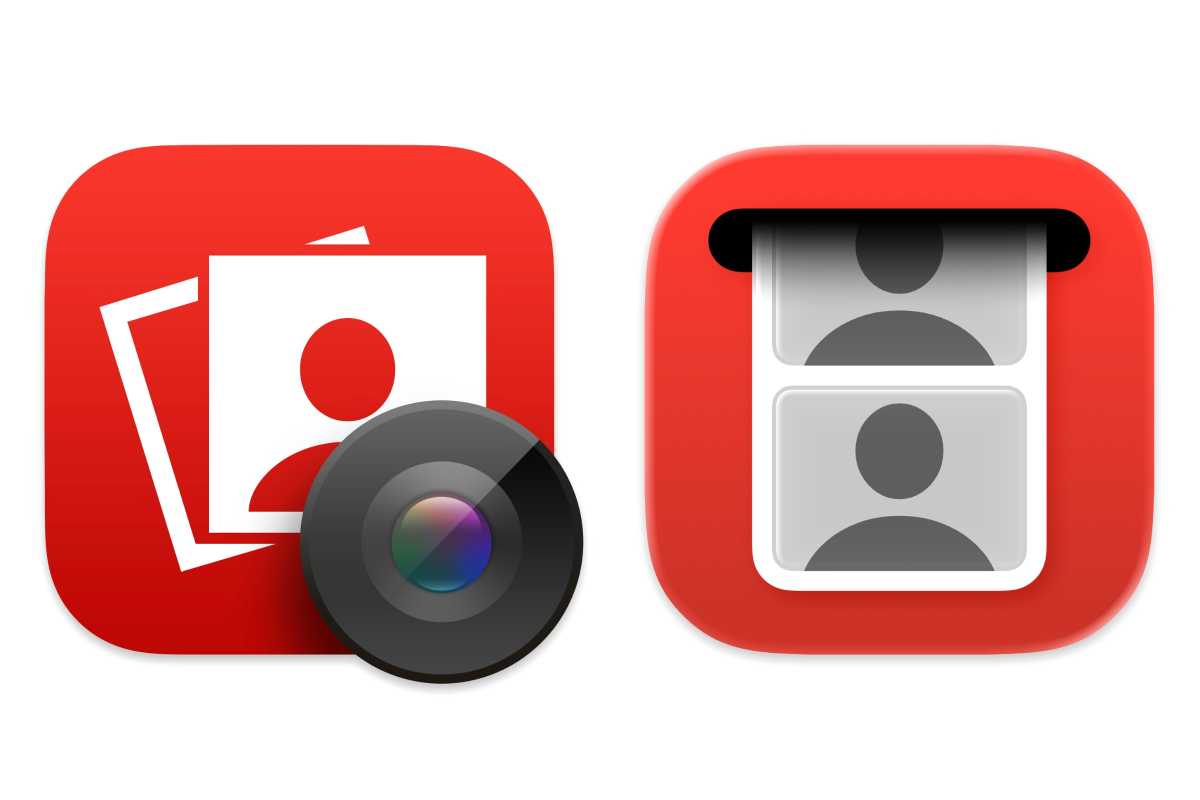
    macoOS 15 & macOS 26 photo both icons

    Photo Booth: macOS Sequoia (left) and macOS Tahoe (right).

    Apple

    Preview
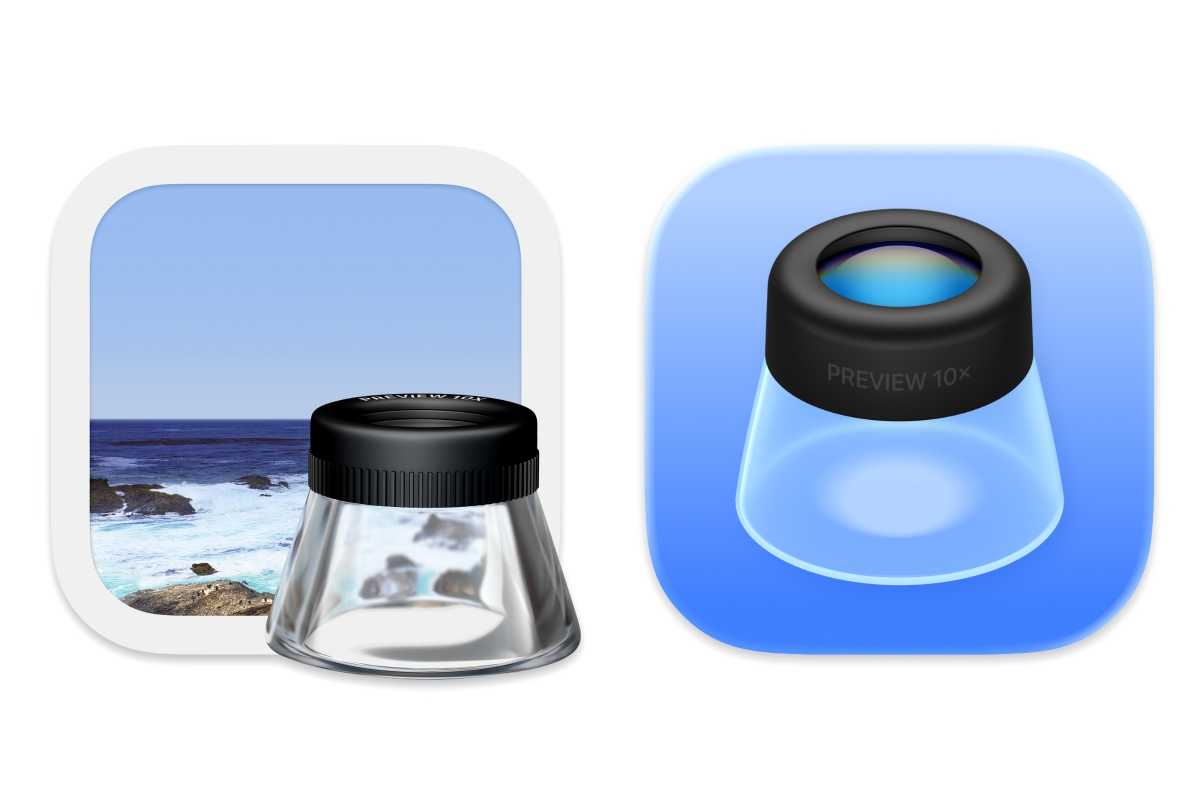
    macOS 15 & macOS 26 preview icons

    Apple

    Screen Sharing

    macOS 15 & macOS 26 screen sharing icons

    Screen Sharing: macOS Sequoia (left) and macOS Tahoe (right).

    Apple

    Screenshot
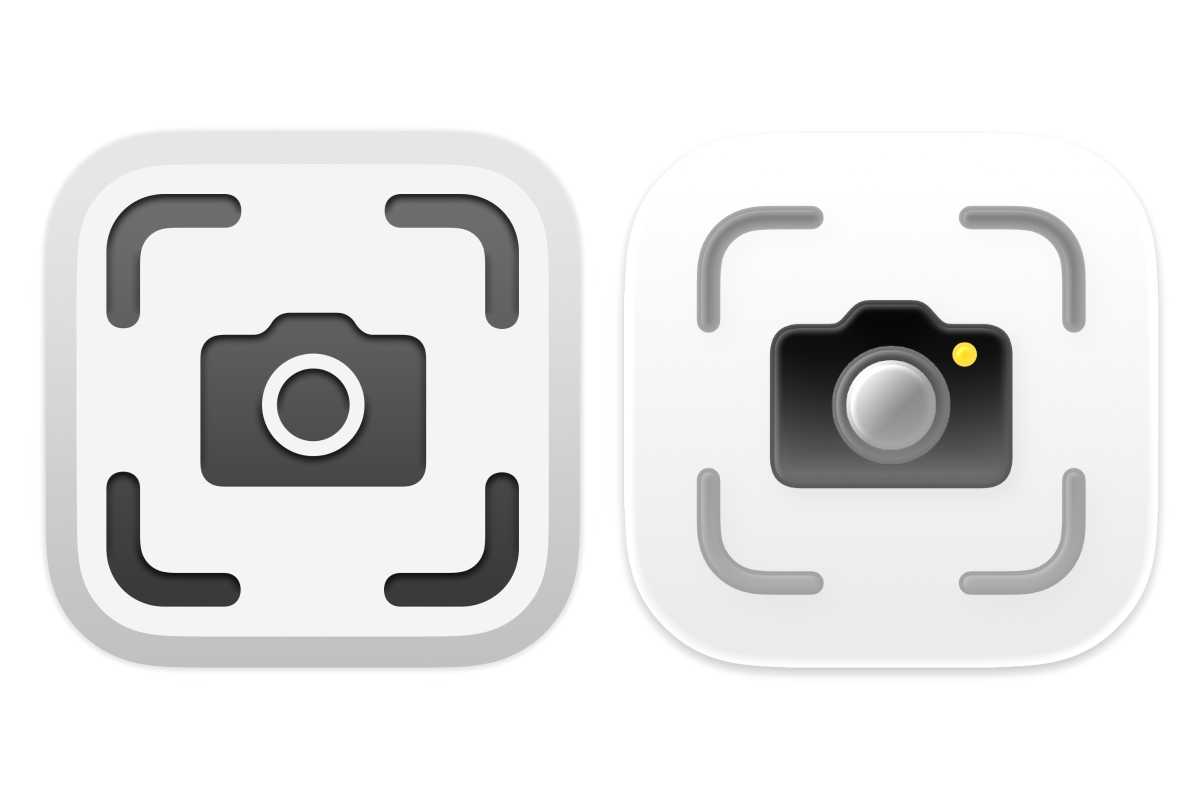
    macOS 15& macOS 26 screenshot icons

    Screenshot: macOS Sequoia (left) and macOS Tahoe (right).

    Apple

    Stickies
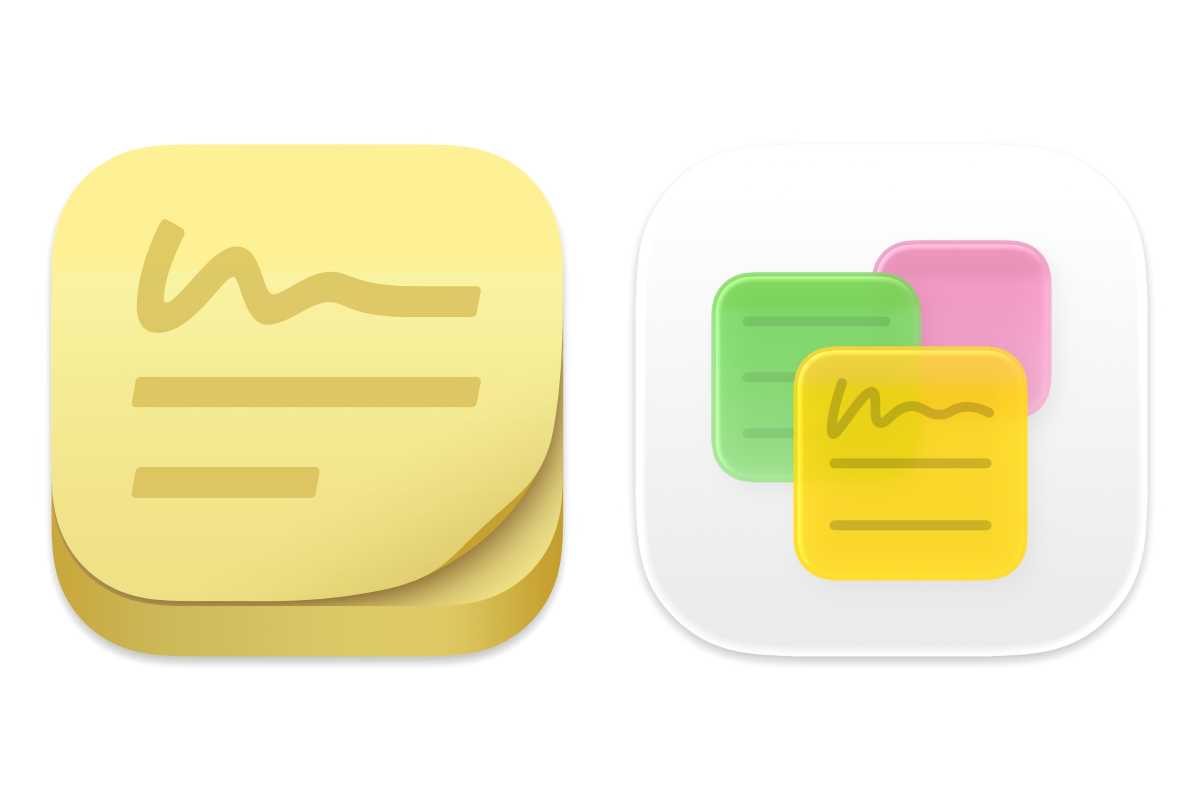
    macOS 15 & macOS 26 stickies icons
    Stickies: macOS Sequoia (left) and macOS Tahoe (right).

    Apple

    Terminal

    macOS 15 & macOS 26 Terminal icons
    Terminal: macOS Sequoia (left) and macOS Tahoe (right).

    Apple

    Text Edit

    macOS 15 & macOS 26 text edit icons
    Text Edit: macOS Sequoia (left) and macOS Tahoe (right).

    Apple

    Time Machine

    macOS 15 & macOS 26 time machine icons
    Time Machine: macOS Sequoia (left) and macOS Tahoe (right).

    Apple

    Learn more in our macOS Tahoe superguide.

    Share. Facebook Twitter Pinterest LinkedIn Tumblr Email
    Admin
    • Website

    Related Posts

    Denon Home series speakers review: Siri & superior sound

    Google settles racial discrimination lawsuit for $50 million

    Access Denied

    More people are using AI for retirement planning, but how accurate is it? Here’s what experts say.

    Add A Comment
    Leave A Reply Cancel Reply

    Editors Picks

    Electrical fire to keep theater that hosts ‘The Book of Mormon’ closed through May 17

    The 2026 Grammy Award nominations are about be announced. Here’s what to know

    Disease of 1,000 faces shows how science is tackling immunity’s dark side

    Judge reverses Trump administration’s cuts of billions of dollars to Harvard University

    Top Reviews
    9.1

    Review: Mi 10 Mobile with Qualcomm Snapdragon 870 Mobile Platform

    By Admin
    8.9

    Comparison of Mobile Phone Providers: 4G Connectivity & Speed

    By Admin
    8.9

    Which LED Lights for Nail Salon Safe? Comparison of Major Brands

    By Admin
    Sg Latest News
    Facebook X (Twitter) Instagram Pinterest Vimeo YouTube
    • Get In Touch
    © 2026 SglatestNews. All rights reserved.

    Type above and press Enter to search. Press Esc to cancel.